

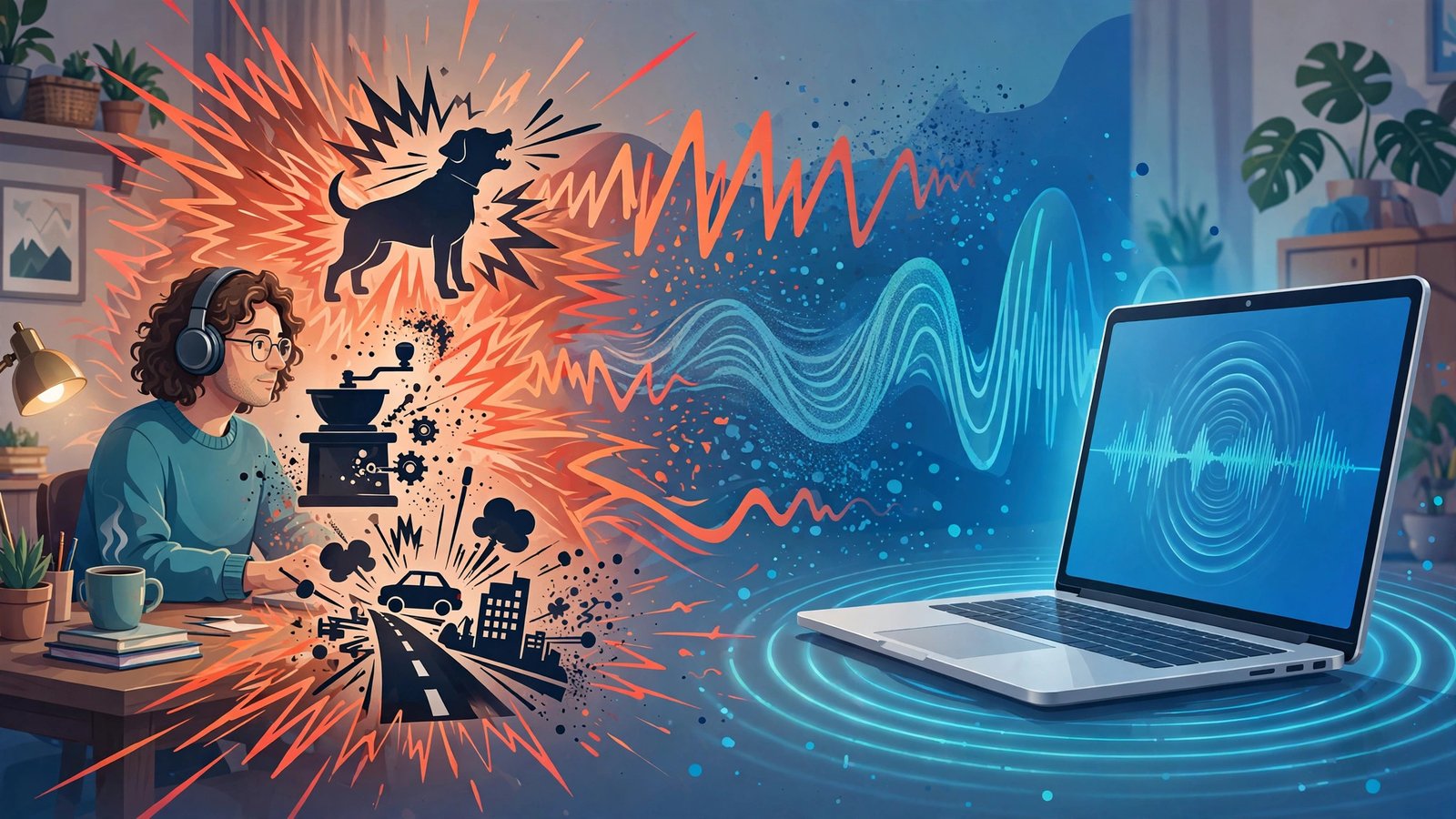
If your last client call opened with “sorry, can you hear my neighbor’s drill?” — this krisp review 2026 is for you. I spent the last week digging into Krisp: the official site, the live pricing page (no guessing on prices here), and what remote workers are actually saying about it in reviews. The pitch is tempting — studio-quiet calls from a noisy apartment, plus meeting notes that write themselves, all without a weird AI bot squatting in your Zoom room.
Quick honesty note: I haven’t personally run Krisp on my own machine day to day, so treat this as a well-researched review, not a hands-on test. Everything below is based on Krisp’s official documentation and pricing, plus third-party user feedback — and I’ll tell you plainly where I’m quoting the company versus where reviewers agree (or don’t).
Quick Answer: Krisp is an AI noise cancellation app plus a bot-free meeting transcription and AI note taker. It works as a virtual microphone and speaker that sits between your device and 800+ apps — Zoom, Google Meet, Microsoft Teams, and more — stripping background noise from both your mic and everyone else’s audio. Core costs $8 per user per month billed annually (verified on the live pricing page), there’s a 7-day free trial with no credit card, and it’s best for remote workers who take client calls from noisy places like coffee shops, shared apartments, or busy home offices.
What Does It Actually Do?
Krisp does two jobs that used to need two separate apps. First, it’s a real-time AI noise canceller — and it’s two-way: it removes background noise from your mic and from other participants’ audio, from dog barks and typing to traffic and construction. Its background voice removal uses a deep neural network trained to keep only the voice closest to your mic, filtering out other people talking nearby. Room echo and acoustic echo cancellation clean up the hollow, underwater sound you get on laptop mics. It works as a virtual microphone and speaker across 800+ apps — Zoom, Google Meet, Microsoft Teams, Slack, Discord, OBS, VoIP softphones — so one setup covers every app. And the noise cancellation runs on-device, meaning your audio never leaves your machine for that step — a genuinely privacy-friendly design.
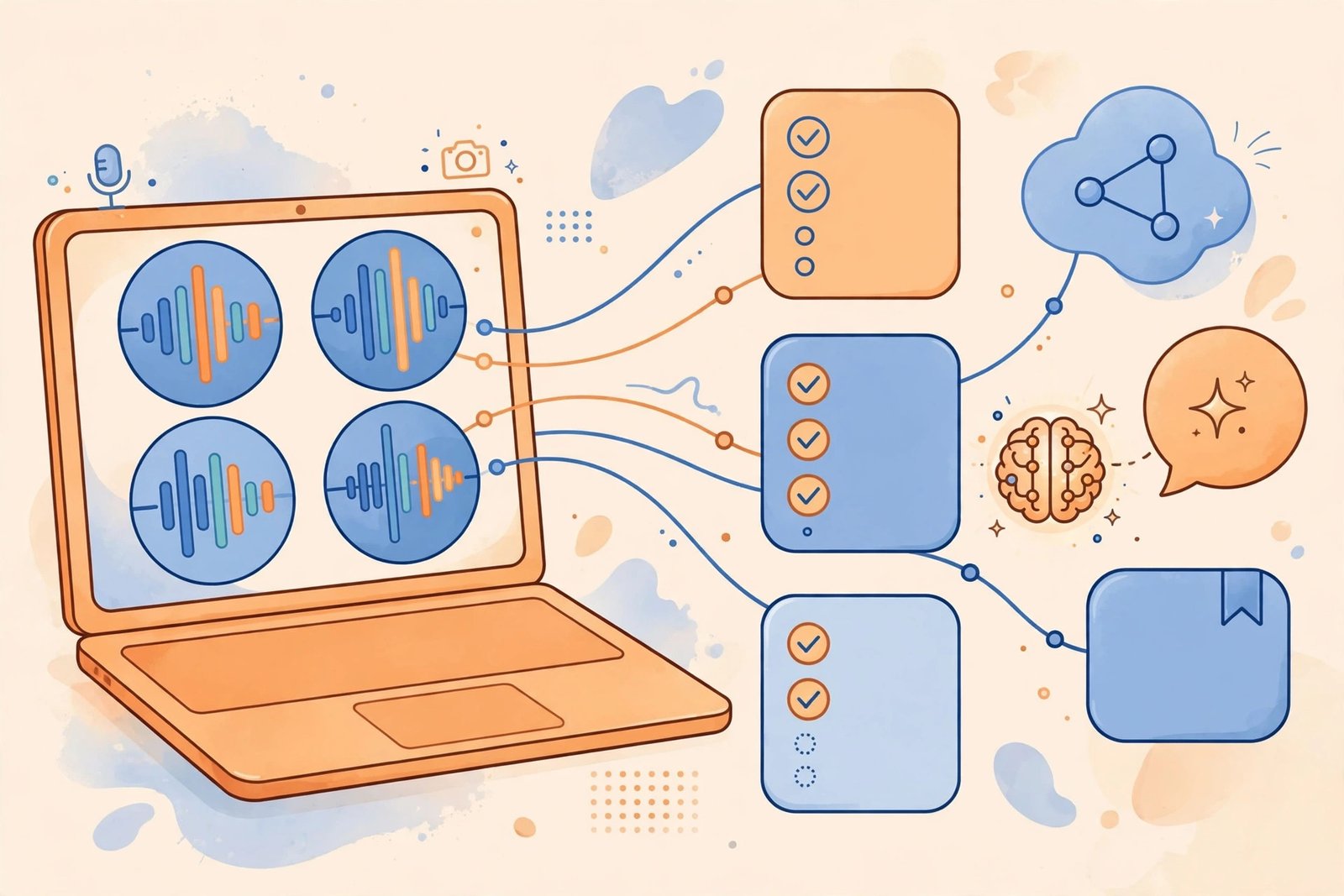
Second, Krisp is an AI meeting assistant. It records and transcribes meetings without a visible AI participant joining the call (bot-free), then generates AI meeting notes: automatic summaries, key takeaways, and action items, with an AI Chat built into your notes so you can ask follow-up questions, plus custom vocabulary support. Transcription covers 16+ languages with speaker identification, and Krisp claims ~96% accuracy on noise-cleaned audio. There’s also AI accent conversion — up to 1 hr/day on Core, up to 4 hr/day speaker-side plus unlimited listener-side on Advanced — alongside AI translation and voice cloning features, and integrations with Slack, HubSpot, Notion, Zapier, Salesforce (Advanced), plus an API and webhooks. It runs on macOS, Windows, iOS, and Android under one account. On privacy: Krisp is GDPR compliant and SOC 2 certified, and says meeting content isn’t used to train third-party models.
If your need is cleaning up already-recorded audio instead, I also reviewed Cleanvoice AI, which turns rough recordings into clean call audio. Krisp is the real-time counterpart: it fixes the audio before it ever hits the recording.
Key Features
Real-Time Two-Way Noise Cancellation
Most noise tools only clean your own mic. Per the official site, Krisp removes background noise in both directions: your keyboard clatter, your dog, the traffic outside — and the same stuff coming from everyone else on the call. Remote workers report this is the standout feature, and it genuinely saves calls that would otherwise be unusable.
Background Voice Removal
This one surprised me. Krisp’s deep neural network is trained to keep only the voice closest to your mic and filter out other people talking nearby — coworkers in an open office, family in the next room. If you work in a shared space, reviews say this is the feature that actually matters.
Echo Cancellation for Clearer Sound
Room echo and acoustic echo cancellation strip the hollow, underwater quality from calls. Not glamorous, but reviewers say it makes a bigger difference than expected on laptop mics.
Bot-Free Meeting Recording and Transcription
Krisp records and transcribes without a visible AI participant joining your call — no “Krisp AI has entered the meeting” moment for your clients. Transcription supports 16+ languages with speaker identification, and the company claims ~96% accuracy on noise-cleaned audio.
AI Meeting Notes That Write Themselves
After the call, Krisp generates automatic summaries, key takeaways, and action items, with an AI Chat built into your notes so you can ask follow-up questions. Custom vocabulary (750 workspace-level terms) helps with industry jargon, and one-click sharing pushes notes to Slack or your CRM.
Accent Conversion, Translation, and Integrations
AI accent conversion softens strong accents for clearer communication — up to 1 hr/day on Core, up to 4 hr/day speaker-side (unlimited listener-side) on Advanced — alongside AI translation and voice cloning features. Integrations cover Slack, HubSpot, Notion, Zapier, plus Salesforce on Advanced, with API and webhooks for custom workflows. Everything runs cross-platform on macOS, Windows, iOS, and Android under one account.
Pricing: Verified on the Official Page
I checked every number below on Krisp’s live pricing page on September 30, 2026 — no third-party guesswork:
- Free Trial — $0 for 7 days, no credit card. Unlimited transcription, noise cancellation, audio/video recording, and AI notes & action items, with limited accent conversion. This is the full product, and it’s the obvious way to test it.
- Free — $0 after the trial, but very limited. Roughly 60 minutes of noise cancellation per day and 2 AI summaries per day. This is third-party reported rather than advertised on the pricing page, so treat it as a bare-bones tier — fine for the occasional call, not a real plan.
- Core — $8/user/month billed annually ($16/user/month on monthly billing). The main plan: unlimited noise cancellation, unlimited AI note taker, bot-free meeting recording and transcription, AI notes and action items, AI Chat, 1 hr/day accent conversion, 10 GB storage, the mobile app, and integrations (HubSpot, Slack, Notion, Zapier, Teams, API, MCP).
- Advanced — $15/user/month billed annually ($30/user/month on monthly billing). Everything in Core plus 4 hr/day speaker-side accent conversion (unlimited listener-side), 60 GB storage, advanced admin controls, and advanced integrations (Salesforce, ConnectWise). Note: SSO/SCIM sits on the Enterprise tier per the official pricing page, not Advanced.
- Enterprise — custom pricing. SSO/SCIM, HIPAA compliance, advanced security, and dedicated support.
Honest take: the annual pricing is genuinely competitive — $8/user/month for unlimited noise cancellation plus a real AI note taker undercuts plenty of meeting tools. But that monthly rate being double the annual one is a steep premium, so don’t pay month-to-month unless you’re testing. For most people, Core on annual billing is the sweet spot; Advanced only makes sense if you need accent conversion at scale or the admin controls. And the free tier after the trial is so limited it barely counts — budget for Core or enjoy the trial.
Krisp
Noise-free calls and AI meeting notes on any device — no bot joining your meetings.
7-day free trial, no card needed
Krisp vs NVIDIA Broadcast vs tl;dv
| Krisp | NVIDIA Broadcast | tl;dv | |
|---|---|---|---|
| Best for | Remote workers who need noise-free calls plus meeting notes across every app | Streamers and gamers on RTX PCs who want free noise removal and video effects | Teams wanting deeper meeting intelligence and sales call insights |
| Price | 7-day free trial; Core $8/user/mo billed annually ($16 monthly), Advanced $15/user/mo billed annually ($30 monthly) | Free — but requires an NVIDIA RTX GPU | Free tier plus paid plans; bot-based recorder |
| Key strengths | Two-way noise cancellation, bot-free transcription, AI notes, 800+ app compatibility, on-device processing | Free real-time noise removal and camera background effects; single-purpose and hardware-locked | Stronger notes and multi-meeting insights, sales tools; no noise cancellation |
| Learning curve | Easy — install, pick the Krisp mic and speaker, done | Moderate — needs RTX hardware and driver setup | Easy — invite the recorder, get notes |
Pros and Cons
What I like:
- Two-way noise cancellation — cleans your mic and the other side of the call
- On-device AI processing keeps your audio on your machine (privacy-friendly)
- Bot-free recording — no awkward AI participant in client calls
- Works with 800+ apps through a virtual mic and speaker; one setup covers everything
- 7-day full-featured trial with no credit card required
- 16+ transcription languages with speaker identification
- Accent conversion is genuinely unique among meeting tools
What I don’t like:
- Monthly billing is double the annual rate — a steep premium
- The free tier after the trial is very limited (~60 min/day of noise cancellation)
- Accent conversion has daily hour caps
- Krisp needs to run on your machine — it’s not a pure cloud bot recorder
- Per-seat pricing adds up fast for large teams
How to Get Started
- Start the 7-day free trial on krisp.ai — no credit card required, and you get the full feature set.
- Download the app for macOS, Windows, iOS, or Android (one account covers all of them).
- Select Krisp as your mic and speaker in Zoom, Meet, Teams, or your system settings — one setup covers every app.
- Toggle noise cancellation on and run a test call; turn on bot-free recording for the meetings you want transcribed.
- Check your AI notes after the call — review the summary and action items, then share them to Slack or your CRM with one click.
Krisp Review 2026 FAQs
Is Krisp really free?
There’s a 7-day free trial with no credit card that includes unlimited transcription, noise cancellation, recording, and AI notes. After that, it drops to a limited free tier (about 60 min/day of noise cancellation and 2 AI summaries/day, per third-party reports). For real use, you’ll want Core at $8/user/month billed annually.
Does Krisp work with Zoom, Google Meet, and Microsoft Teams?
Yes. Krisp works as a virtual microphone and speaker, so it’s compatible with 800+ apps including Zoom, Google Meet, Microsoft Teams, Slack, Discord, OBS, and VoIP softphones. You set it up once and it works everywhere.
Do other people on the call know I’m using Krisp?
There’s no visible AI participant joining your call — Krisp’s recording and transcription are bot-free. It cleans your audio locally as a virtual mic and speaker, so from everyone else’s perspective you’re just on a remarkably quiet call.
Is my audio data private?
Noise cancellation is processed on-device, so your audio never leaves your machine for that step. Krisp is GDPR compliant and SOC 2 certified, and the company says meeting content is not used to train third-party models.
Can Krisp remove other people’s voices in the background?
Yes — background voice removal is one of its standout features. A deep neural network keeps only the voice closest to your mic and filters out other people talking nearby, which is a lifesaver in open offices and shared spaces. It also handles room echo and acoustic echo cancellation.
Final Verdict: My Krisp Review 2026 Take
Who should use it: remote workers who take client calls from noisy places — coffee shops, shared apartments, busy home offices — plus open-office teams and anyone who wants meeting notes without an AI bot crashing the call. Call centers needing accent conversion should look at Advanced.
Who should skip it: if you only want a cloud bot that records meetings without installing anything, Krisp isn’t that — it runs on your machine. Large teams should also do the per-seat math first, since $8–$15 per user per month adds up fast at scale.
Bottom line: the noise cancellation is the real deal per the official specs and user reviews, the bot-free notes solve a genuine annoyance, and Core at $8/month on annual billing is fairly priced for what you get. If noise is ruining your calls, give Krisp’s free trial a spin — seven days, no card, and you’ll know by day two whether it’s worth it.



