


Editing is the part of podcasting nobody warns you about. Recording is the fun part — cutting 45 minutes of ums, ahs, and awkward pauses out of a one-hour conversation is not. That’s what sent me down the rabbit hole of AI audio cleanup tools, and Cleanvoice AI kept showing up in every “best of” roundup I found.
So I did what I do for every tool covered on this site: I dug into it — the official docs, the verified pricing page (current as of September 2026), and a pile of real user reviews. This Cleanvoice AI review 2026 is my honest, research-based verdict. One note: I didn’t personally run my own audio through the product, so everything here comes from documented features and what actual users report rather than hands-on testing.
Quick Answer
Cleanvoice AI removes filler words, mouth sounds, noise, and dead air from podcast audio automatically — no transcript-first workflow required. It’s best for podcasters and creators who want polished audio fast without learning a DAW. The free trial gives 30 minutes of processing credit (no credit card required), and pay-as-you-go plans start at $11 for 5 hours.
What Does It Actually Do?
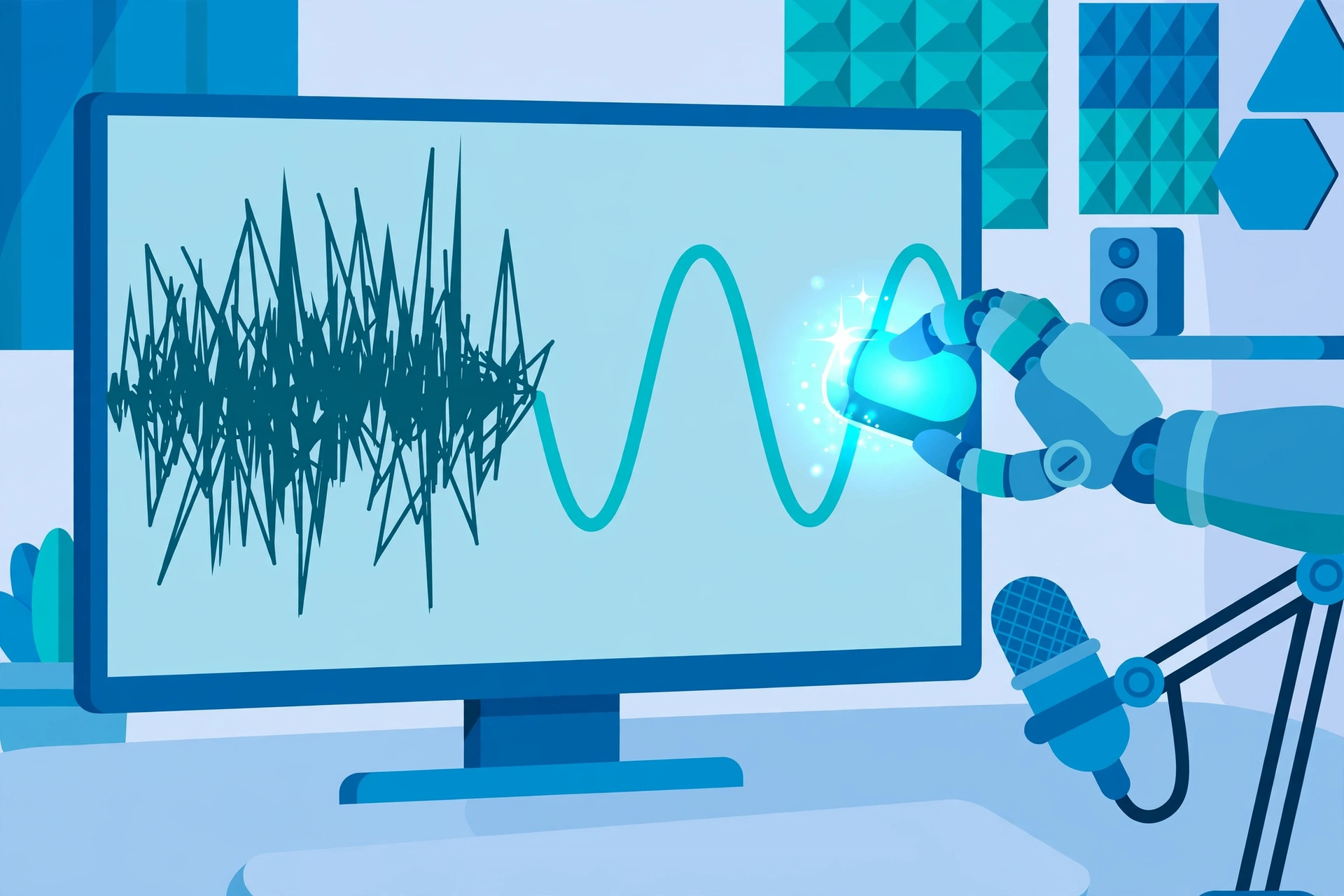
Here’s the core idea: you upload an audio file (or a video podcast), pick which cleanups to run, and Cleanvoice’s AI processes the waveform directly — cutting filler words, lip smacks, and background hum while keeping your pacing natural. There’s no transcript-first workflow like Descript. Cleanvoice works on the sound itself, which per reviews is exactly what podcasters who “just want it cleaned up” prefer.
The official site states filler word removal works in 20+ languages and handles the classics — um, uh, you know — plus mouth sounds like lip smacks and clicks, stuttering, background noise ranging from cafe chatter to AC hum and white noise, and dead air that drags on too long. It also generates a transcription with AI summaries and show notes, so you get text deliverables without needing the transcript to edit.
Key Features
Filler Word Removal (20+ Languages)
This is the headline feature and, per reviews, the one users praise most. Cleanvoice detects ums, uhs, you-knows, and similar verbal tics across 20+ languages and removes them from the waveform automatically. What would take an hour of scrubbing by hand reportedly takes minutes, and you can control the intensity so the edit doesn’t sterilize every natural pause.
Mouth Sounds, Breaths & Stutter Cleanup
Lip smacks, clicks, stutters, and heavy breathing make audio sound amateur, and they’re brutally tedious to remove manually. Cleanvoice strips those out automatically. If you’ve ever spent an evening hunting down mouth clicks in Audacity, you already understand the value proposition.
Background Noise Reduction
Recorded in a less-than-perfect room? Cleanvoice reduces cafe noise, traffic, AC hum, white noise, and general background hiss. Per user reviews, it makes a big difference on typical home-studio noise — though it won’t turn a windy phone recording into studio audio, so set expectations accordingly.
Dead-Air Trimming That Keeps Natural Pacing
Overly long silences get trimmed while natural pacing is preserved — this separates Cleanvoice from blunt “delete all silence” tools. It can occasionally over-edit, so review the timeline before export.
Studio Sound & Multitrack Syncing
Studio Sound enhancement polishes your vocal tone for a finished, professional sound. For interviews and panel shows, multitrack syncing handles multi-guest recordings so every voice gets cleaned up consistently — a must-have if you record remote conversations.
Timeline Export, Batch Processing & Developer API
Cleanvoice exports a timeline/EDL you can open in Audacity, Adobe Audition, Reaper, or DaVinci Resolve for fine-tuning — a smart admission that it’s not a full DAW replacement. Agencies get batch processing, plus a developer API and Make.com integration for automating cleanup inside bigger workflows. It also produces transcriptions, AI summaries, and show notes, which pairs nicely with a repurposing tool like Castmagic if you want to turn one recording into a pile of content.
Pricing
I verified these on the official pricing page in September 2026. Every plan includes all features — no feature locks, which is refreshing.
- Free trial — 30 minutes of processing credit, no credit card required.
- Pay-as-you-go (credits valid 2 years): 5 hours for $11 ($2.20/hr), 10 hours for $20 ($2.00/hr), 30 hours for $45 ($1.50/hr).
- Subscription: 10 hrs/month for $11 ($1.10/hr), 30 hrs/month for $30 ($1.00/hr), 100 hrs/month for $90 ($0.90/hr). Unused credits roll over up to 3x the plan limit.
- Enterprise — custom plans for 200+ hours/month.
Honest take: this is genuinely fair pricing for what it does. $11 to clean 5 hours of audio — roughly two episodes of a weekly show, processed in minutes — is a no-brainer for indie podcasters. The per-hour rate rewards volume, with subscriptions dropping as low as $0.90/hour. The tradeoff: per-hour pricing punishes heavy users — at 100+ hours a month, a flat-rate editor or a human might stretch your dollar further. Occasional creators should grab pay-as-you-go credits (valid for 2 years); regular publishers should do the math on subscription rollover.
Cleanvoice AI
Clean up podcast audio in minutes — filler words, noise, and dead air, gone.
Free trial available
Cleanvoice AI Review 2026: How It Compares
Here’s how Cleanvoice stacks up against the two names you’ll see mentioned alongside it:
| Cleanvoice AI | Descript | Auphonic | |
|---|---|---|---|
| Best for | Podcasters who want automatic cleanup without transcript editing | Creators who want a full transcript-based studio editor | Podcasters who want automated post-production (levels, loudness, noise) |
| Price | Free trial (30 min); PAYG from $11 for 5 hrs; subscriptions $11–$90/mo | Higher cost, flat-rate plans | Credit-based pricing for post-production |
| Key strengths | Waveform-direct filler, noise & mouth-sound removal in 20+ languages; fast; timeline export to DAWs | Edit audio/video by editing text; voice cloning; full studio feature set | Level normalization, loudness standards, noise & hum reduction; batch processing |
| Learning curve | Low — upload, pick cleanups, download | Steeper — a full editor with many features | Medium — post-production settings take some learning |
Pros and Cons
What I like:
- Removes hours of tedious editing in minutes — reviews back up the time savings.
- Waveform-direct workflow: no transcript-first editing required.
- Filler word removal in 20+ languages.
- All features included in every plan — no upsells or feature locks.
- Timeline/EDL export to Audacity, Adobe Audition, Reaper, and DaVinci Resolve for fine-tuning.
- Free trial with 30 minutes of processing credit, no credit card required.
What I don’t like:
- Occasional over-editing can strip natural-sounding pauses.
- Cloud-only — you have to upload your audio to their servers.
- Not a full DAW replacement: no fine, frame-level control like Audacity.
- Per-hour pricing means heavy users pay more than a flat-rate editor would cost.
How to Get Started
- Head to cleanvoice.ai and start the free trial — no credit card required, and you get 30 minutes of processing credit.
- Upload your raw audio (or video podcast) file to the dashboard.
- Choose which cleanups to run: filler words, mouth sounds, noise, dead air, and Studio Sound.
- Let the AI process your waveform — it takes minutes, not hours.
- Review the cleaned audio and timeline, then export the EDL to Audacity, Adobe Audition, Reaper, or DaVinci Resolve if you want to fine-tune.
- When you’re ready, pick a plan: pay-as-you-go credits for occasional use, or a subscription with rollover if you publish regularly.
FAQs
How much does Cleanvoice AI cost?
The free trial includes 30 minutes of processing credit, no credit card required. Pay-as-you-go credits cost $11 for 5 hours, $20 for 10 hours, or $45 for 30 hours (valid 2 years). Subscriptions run $11/month for 10 hours, $30/month for 30 hours, or $90/month for 100 hours, with unused credits rolling over up to 3x the plan limit. Enterprise plans cover 200+ hours/month. All features are included in every plan.
Does Cleanvoice AI have a free trial?
Yes — you get 30 minutes of processing credit to try the service, and no credit card is required to sign up.
Which languages does Cleanvoice AI support?
Filler word removal works in 20+ languages, per the official site.
Can I fine-tune my edit in a DAW?
Yes. Cleanvoice exports a timeline/EDL you can open in Audacity, Adobe Audition, Reaper, or DaVinci Resolve for precise fine-tuning.
Is Cleanvoice AI better than Descript?
They’re different tools. Descript is a full transcript-based studio editor at a higher cost. Cleanvoice is a focused waveform cleanup tool — faster and cheaper if all you need is filler, noise, and dead-air removal. If transcription itself is your main need, see my TurboScribe review instead.
Final Verdict
Cleanvoice AI earns its spot for a specific kind of creator: podcasters who want clean, professional audio without the editing slog. If you’re recording a weekly show in a home studio and losing evenings to ums and background hum, this is one of the easiest wins in podcasting — minutes of processing instead of hours of scrubbing.
It’s not for perfectionists who want frame-level DAW control, privacy-conscious creators who won’t upload audio to the cloud, or very heavy users who’d do better on a flat rate. Editing talking-head video instead of audio? Check my Gling AI review.
For everyone else, the 30-minute free trial with no credit card is genuinely worth an afternoon: try Cleanvoice free and see how much of your editing week it gives back.



