


If you’ve ever stared at a two-hour podcast episode and dreaded the thought of typing it all out by hand, you already know why AI transcription tools exist. I spend a lot of time digging into AI tools for creators, and TurboScribe kept popping up in every “best transcription tool” roundup I came across this year. So I did what I always do: I dug into the official site, read through 2026 user reviews, and checked the claims against what people are actually experiencing.
This turboscribe review 2026 is a research-based breakdown — I checked the pricing, the feature list, and the fine print so you don’t have to. Here’s the honest version of what TurboScribe is, what it costs, and whether it’s actually worth your money.
Quick Answer
TurboScribe is a Whisper-based AI transcription tool that offers unlimited transcription of audio and video for $10/month billed yearly. It’s best for podcasters and creators sitting on hours of files that need turning into text. The free tier allows 3 transcriptions per day (files up to 30 minutes each). One heads-up: there’s no live transcription — it works with pre-recorded file uploads only.
What Does It Actually Do?
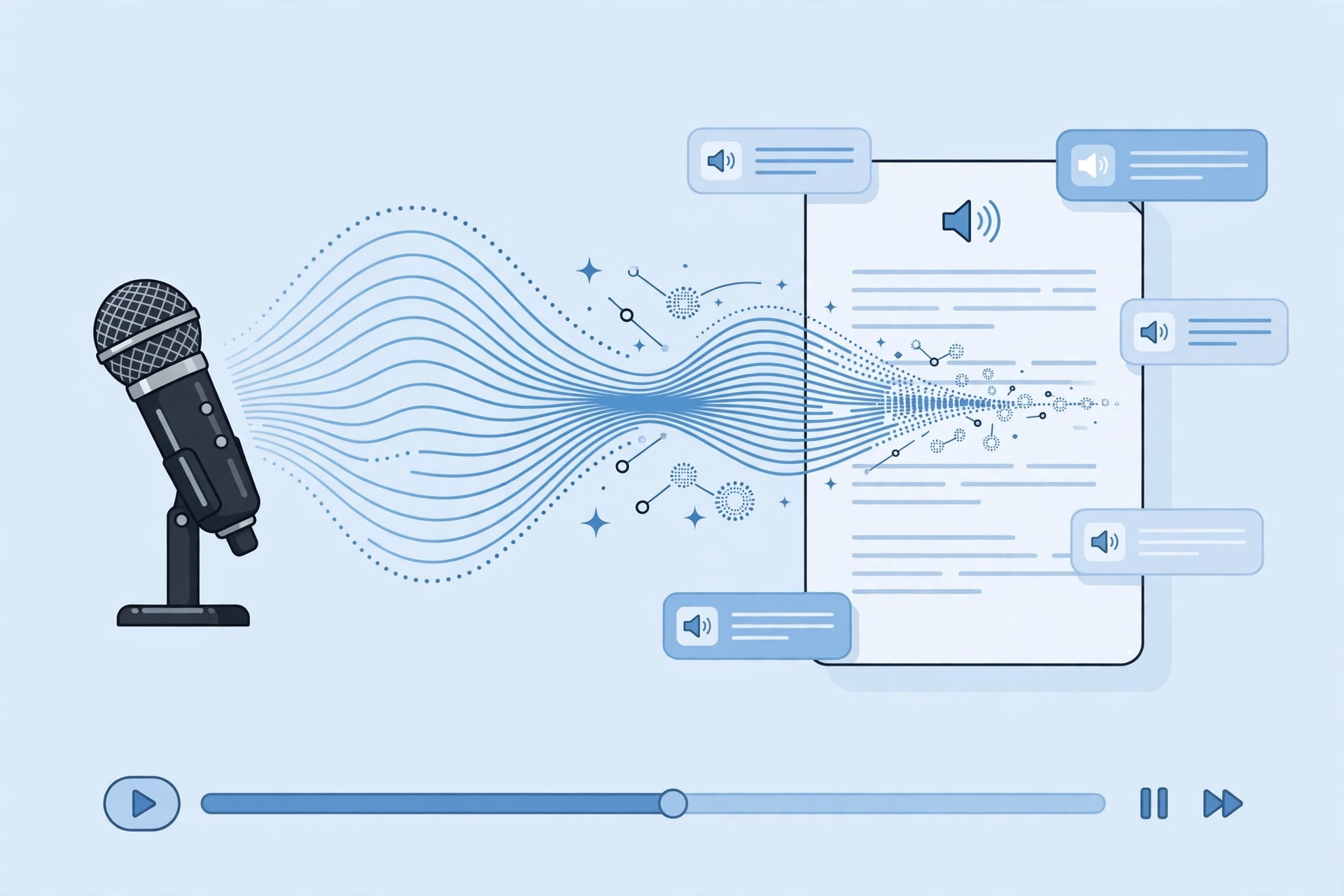
TurboScribe (turboscribe.ai) is built on Whisper, the open-source speech recognition model, and it does one thing really well: turning audio and video into editable text. You upload a file, and within minutes you get a full transcript back. Per 2026 reviews, a one-hour file typically processes in under three minutes, which is genuinely fast.
It supports 98+ languages, so it’s not an English-only tool. Once your transcript is ready, you can edit and correct it right in your browser before exporting — no downloading a messy text file and cleaning it up somewhere else. When you’re happy with it, export to PDF, DOCX, TXT, CSV, or SRT/VTT subtitle files.
Key Features
Speaker Recognition (Diarization)
TurboScribe automatically detects who’s speaking and labels each section of the transcript. For a podcast with two or three hosts, this saves a huge amount of manual labeling. Every word also comes with timestamps, so you can click through the text and jump straight to that moment in the audio.
ChatGPT-Powered Summaries
Beyond the raw transcript, TurboScribe can generate AI summaries of your content. According to the official site, this is built right in — handy for show notes, TL;DRs, or key takeaways without re-reading an hour of dialogue.
Translation Into 134+ Languages
Once you have a transcript, TurboScribe can translate it — and your subtitles — into 134+ languages. For creators publishing to international audiences, this is a genuinely useful add-on that most budget transcription tools skip entirely.
Big Files and Bulk Uploads
On the Unlimited plan, each file can be up to 10 hours long or 5 GB, and you can upload up to 50 files at the same time. That’s the feature that makes the “unlimited” claim meaningful — podcasters with full back catalogs can chew through dozens of episodes in one sitting.
In-Browser Editing and Bulk Export
Transcripts are editable directly in the browser, so you can fix misheard words before they go anywhere. Bulk export handles multiple files at once, and storage is unlimited. Format support is broad: MP3, M4A, MP4, MOV, AAC, WAV, OGG, FLAC, AVI, MKV, and WEBM.
Privacy and Payments
Your files and transcripts are encrypted and can be deleted anytime. Payments run through Stripe, and the company states it doesn’t store your card number. For anyone handling sensitive recordings, the delete-anytime policy matters.
Pricing
TurboScribe keeps pricing refreshingly simple — two plans, no usage tiers or credit packs to decode:
- Free — $0 forever: 3 transcriptions per day, files up to 30 minutes each, 1 file at a time, lower processing priority.
- Unlimited — $20/month billed monthly, or $10/month billed yearly ($120/year): truly unlimited transcriptions, every feature unlocked, highest processing priority. It’s a one-person account — sharing logins isn’t allowed.
Honest take: this is one of the simplest pricing pages I’ve seen in the transcription space, and that’s a compliment. At $10/month on the yearly plan, it’s dramatically cheaper than per-minute tools if you transcribe more than a couple of hours a month. The free tier is genuinely useful for light use, but daily transcribers will hit the 3-file limit and the slower queue fast. Just remember the license is per person — teams can’t share one login.
TurboScribe
Unlimited AI transcription of your audio and video — starting at $10/month.
Free plan available
TurboScribe Review 2026: How It Compares to Otter.ai and Rev
| TurboScribe | Otter.ai | Rev | |
|---|---|---|---|
| Best for | Podcasters and creators with hours of pre-recorded files | Teams needing live meeting transcription | Anyone needing guaranteed accuracy, including human transcription |
| Price | Free (3/day); Unlimited $10/mo yearly or $20/mo monthly | Limited free minutes; per-seat team plans | AI transcription $0.25/min (45 free minutes/month); human transcription $1.50–$1.99/min (~99% accuracy) |
| Key strengths | Unlimited transcriptions, 98+ languages, 134+ translation languages, bulk export | Live transcription with Zoom/Meet/Teams bots | Human transcription option with very high accuracy |
| Learning curve | Very easy — upload and go | Easy, though meeting integrations take some setup | Very easy — simple pay-per-minute ordering |
Pros and Cons
What I like:
- Truly unlimited transcriptions on the paid plan — no credit math
- $10/month yearly pricing undercuts most per-minute competitors
- Speaker labels with word-level timestamps
- AI summaries and 134+ language translation built in
- Generous free tier (3 files a day) for testing it properly
- Broad format support plus bulk export
What I don’t like:
- No live or real-time transcription — pre-recorded uploads only
- Accuracy drops with heavy background noise, overlapping speakers, or strong accents — spot-check before publishing, and never rely on it blindly for legal or medical work
- One-person licensing — teams can’t share a login
- Lower processing priority on the free tier
How to Get Started
- Head to turboscribe.ai and create a free account — no credit card needed to start.
- Upload your first audio or video file (MP3, MP4, WAV, and most other common formats work).
- Choose your transcription settings — language and extras like AI summaries.
- Wait a few minutes while the file processes (an hour of audio takes under ~3 minutes, per reviews).
- Review and edit the transcript in your browser, using speaker labels and timestamps to navigate.
- Export to PDF, DOCX, TXT, CSV, or SRT/VTT subtitles — or bulk-export several files at once.
FAQs
Is TurboScribe really unlimited?
On the Unlimited plan, yes — unlimited transcriptions of audio and video with no hidden add-ons. It’s licensed for one person, so you can’t share your login with a team.
How much does TurboScribe cost?
There’s a free plan ($0) with 3 transcriptions per day, and an Unlimited plan at $20/month billed monthly or $10/month billed yearly ($120/year).
Does TurboScribe do live transcription?
No. TurboScribe only transcribes pre-recorded file uploads — there’s no live or real-time transcription feature.
How accurate is TurboScribe?
Per 2026 reviews, accuracy is strong on clear audio, and a one-hour file typically processes in under three minutes. That said, accuracy drops with heavy background noise, overlapping speakers, or strong accents — always spot-check important transcripts, and don’t rely on AI transcription alone for legal or medical work.
What formats does TurboScribe support?
It accepts MP3, M4A, MP4, MOV, AAC, WAV, OGG, FLAC, AVI, MKV, and WEBM (up to 10 hours / 5 GB per file on Unlimited). You can export as PDF, DOCX, TXT, CSV, or SRT/VTT subtitles, with bulk export for multiple files.
Can I cancel TurboScribe anytime?
TurboScribe sells month-to-month or yearly plans through Stripe. You can delete your files and transcripts anytime from your account.
Final Verdict
After digging through everything — the pricing page, 2026 user reviews, and the full feature list — TurboScribe is one of the easiest transcription tools to recommend in this turboscribe review 2026 roundup. If you’re a podcaster, YouTuber, or creator with hours of recordings to convert, $10/month for unlimited transcription is genuinely hard to beat.
It’s not for everyone, though. If you need live meeting transcription, look at Otter.ai. If you need near-perfect accuracy for legal or medical work, pay for Rev’s human transcription. And teams should note the one-person license.
For everyone else with a folder full of audio waiting to become text, this one is worth a serious look. You can start free and judge the results yourself — try TurboScribe here.



