

If you’ve ever recorded a voiceover on your phone, hunched in a closet full of hanging clothes because someone told you that’s the cheapest “studio” — this murf ai review 2026 is for you. I’ve been there. The closet trick works, sort of, until you mispronounce one word in minute nine and have to re-record the whole thing.
I’ll be honest: when I started digging into Murf AI, I expected another text-to-speech toy that sounds fine for thirty seconds and falls apart over a full script. Murf has been around since 2020 and claims over a million users plus some very large corporate clients, so I did what I always do — went through the official pricing page (no guessing on prices here), the feature documentation, and what creators and corporate teams are actually saying about it in reviews. Here’s everything I found.
Quick honesty note up front: this isn’t a hands-on lab test where I narrated a full course inside Murf Studio myself. It’s a deep, well-researched review — I verified every price and feature claim against Murf’s official pages and current third-party coverage as of October 2026, and I’ll flag exactly where the marketing gets ahead of reality.
Quick Answer: Murf AI is an AI voiceover platform built around Murf Studio — a timeline editor where you type a script, pick from 200+ AI voices across 35+ languages, and sync the narration to video scenes, images, and background music. Pricing runs from a free plan (10 minutes of voice generation, total, ever) to Creator at $19/month billed annually ($29 monthly) and Business at $66/month billed annually ($99 monthly), with Enterprise custom. Best for YouTubers, course creators, and corporate training teams who need professional narration without hiring voice actors; casual users and anyone needing voice cloning on a budget should look elsewhere.
What Does Murf AI Actually Do?
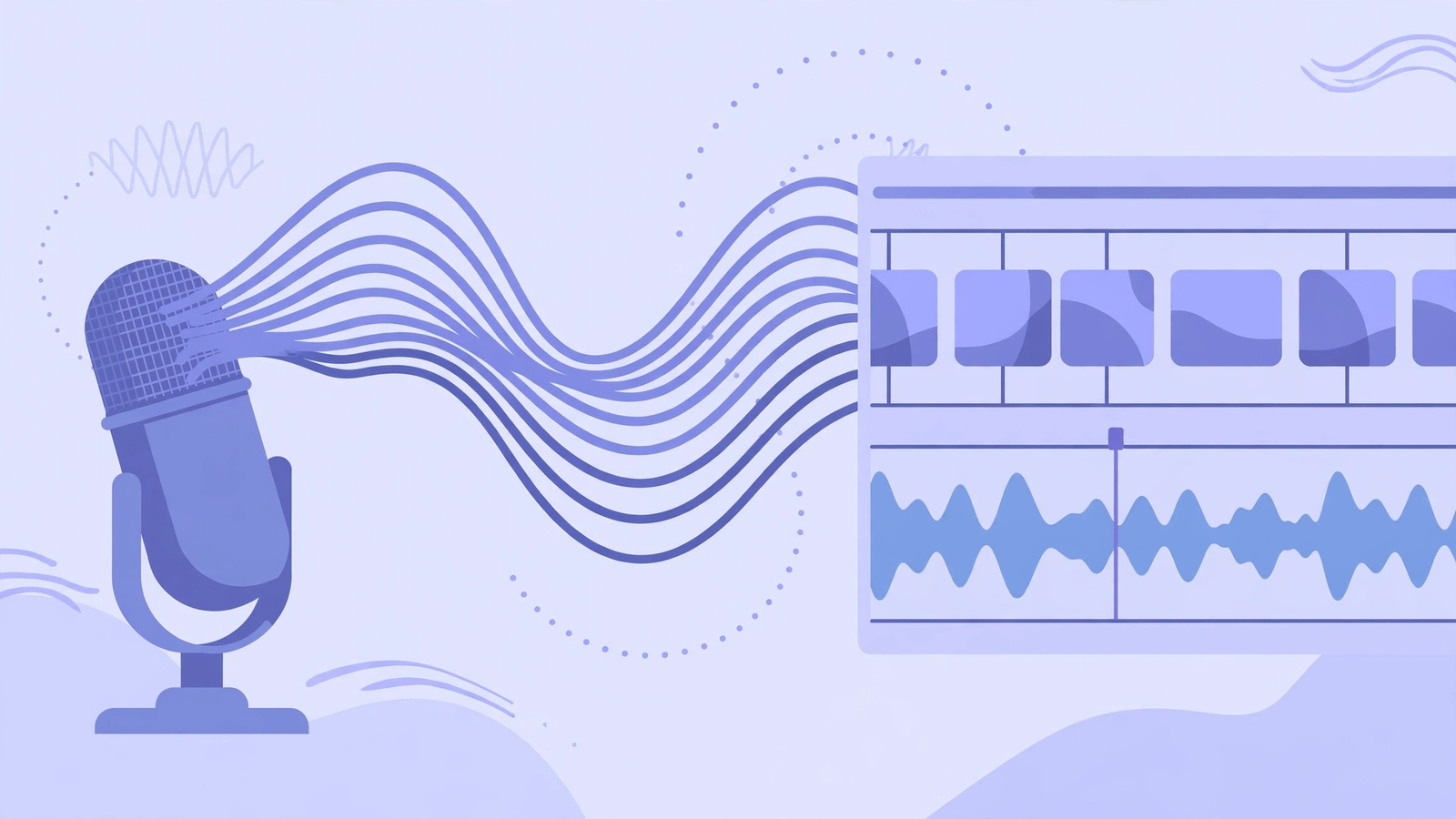
Most text-to-speech tools do one thing: turn text into an audio file. Murf does that, but its real pitch is the studio around it. You paste or type your script into Murf Studio, choose a voice, and then — instead of just downloading an MP3 — you can lay that narration onto a timeline next to video clips, images, and background music, adjusting timing so the voiceover lands exactly where each scene changes.
That’s the workflow Murf is selling: the explainer video, the product demo, the e-learning module, all assembled in one browser tab. No separate video editor, no exporting audio back and forth. For people who make narrated slide decks or training videos regularly, that single-tab workflow is the whole argument.
Under the hood, Murf runs on its Gen2 voice model, which the company says hits 99.38% pronunciation accuracy across a multilingual test set — a vendor benchmark, so take the decimal points with a grain of salt, but the general consensus from reviewers is that the voices are genuinely solid for narration work. The company splits its tech into three products: Murf Studio (the timeline editor most people use), Murf Falcon API (a low-latency voice API for developers building voice agents), and Murf AI Translation (video dubbing into 40+ languages with lip-sync).
Murf AI Review 2026: Key Features
200+ AI voices across 35+ languages
The voice library is Murf’s headline number: over 200 voices spanning 35+ languages, filterable by gender, age, accent, and use case like narration, conversational, promo, or e-learning. Multiple speaking styles per voice mean the same voice can read a calm meditation script and an energetic product ad differently. Reviewers consistently say the voices are strong for professional narration — corporate videos, courses, explainers — though trained ears can still catch the AI quality, and the most emotional, character-driven performances still belong to human actors (or to ElevenLabs, which most reviewers rank slightly ahead on raw realism).
Studio timeline editor with video sync
This is Murf’s actual moat — ElevenLabs has nothing like it. The Studio editor works like a simplified video editor: drop in your script blocks, add video or images, layer background music from Murf’s library of 8,000+ licensed soundtracks (cleared for commercial use, including YouTube), and drag everything until the narration syncs with the visuals. You can also adjust pitch, speed, and pauses at the word level, which matters more than it sounds — a half-second pause before a key line is the difference between robotic and human.
Pronunciation library and emphasis controls
If your script has brand names, technical terms, or abbreviations, you can set exact pronunciations in a custom library so “SQL” comes out the way your company says it. Combined with emphasis controls that let you stress specific words, this is the feature corporate teams cite most — nobody wants their product name mispronounced in a training video watched by ten thousand employees.
AI dubbing in 40+ languages with lip-sync
Murf can take an existing video and dub it into 40+ languages with lip synchronization, which it claims is dramatically faster than traditional dubbing workflows. For course creators and companies localizing training content, this turns a weeks-long, studio-booked process into something closer to an afternoon task. Quality varies by language pair, as with all AI dubbing — major European languages fare best.
Integrations: Canva, PowerPoint, Google Slides
Murf plugs directly into the tools people already present with: add AI voiceovers inside Canva designs (all paid plans), generate narration within Google Slides (Business and up), and use the PowerPoint plugin for decks of 100+ slides — the voices get embedded directly, no audio export/import dance. There’s also a Chrome extension and a full API for developers, with the Falcon API priced at $0.01 per minute.
Pricing: Verified on the Official Page
I checked murf.ai/pricing coverage on October 14, 2026. Here’s what’s on the page right now (prices change — always confirm before you pay):
- Free — $0: 10 minutes of voice generation total, not per month — it’s a lifetime allowance. Limited voice selection, no downloads, no commercial rights. This is a demo tier: you can hear the voices and test the interface, but you can’t export anything usable.
- Creator — $19/month billed annually ($29/month monthly): 24 hours of voice generation per year (roughly 2 hours a month), the full 200+ voice library, commercial usage rights, Canva integration, MP3/WAV/MP4 export, and background music. The entry point for real projects.
- Business — $66/month billed annually ($99/month monthly): 96 hours of voice generation per year on annual billing, PowerPoint and Google Slides plugins, audio-to-text, team collaboration, and a business license. Odd quirk worth knowing: the monthly-billed Business plan actually includes more generation hours than the annual one — counter-intuitive, check the math for your usage.
- Enterprise — Custom: unlimited generation, voice cloning, API access, SSO, dedicated support, and compliance certifications (SOC 2, ISO 27001, GDPR, HIPAA).
Two traps to know about: voice generation hours don’t roll over month to month, so size your plan to what you’ll actually use; and the refund window is narrow (reportedly 24 hours with minimal usage), so don’t buy annual on day one — run a real project on monthly first.
Honest take: the free tier is honest about what it is — a test drive, not a working plan. Creator at $19/month (annual) is fairly priced if you’re producing narrated content regularly; 24 hours a year covers a lot of YouTube videos or course modules. Business at $66/month only makes sense for teams with steady output. And the elephant in the room: voice cloning is Enterprise-only, which typically means custom pricing in the thousands per year — ElevenLabs gives you cloning from about $5/month, so if cloning your own voice is the job, Murf is the wrong tool.
Murf AI
Studio-quality AI voiceovers with a video-sync timeline — 200+ voices, 35+ languages.
Free 10-minute trial · Creator from $19/mo · Business from $66/mo (annual billing)
Murf AI vs ElevenLabs vs Speechify
These three get lumped together as “AI voice tools” but they’re built for different jobs, and picking wrong wastes money. Here’s the honest breakdown:
| Murf AI | ElevenLabs | Speechify | |
|---|---|---|---|
| Best for | Producing narrated videos: voiceover synced to scenes in one editor | Most realistic AI voices; voice cloning on cheap plans | Listening to text: articles, PDFs, and books read aloud to you |
| Price | Free (10 min total); Creator $19/mo, Business $66/mo (billed annually) | Free tier; paid from ~$5/mo | Free tier; Premium from ~$12/mo |
| Key strengths | Video-sync timeline, 8,000+ licensed music tracks, PPT/Slides/Canva plugins, pronunciation library | Raw voice realism, instant voice cloning, huge voice library | Best reading/listening experience, mobile apps, speed controls |
| Learning curve | Low–moderate (timeline takes one session to learn) | Very low (type, pick voice, generate) | Very low |
The practical rule: if your end product is a video with narration, Murf’s timeline saves you the most time. If your end product is audio itself — a podcast intro, an audiobook, a cloned voice — ElevenLabs wins on quality and price. If you want to listen to things instead of reading them, that’s Speechify’s lane entirely.
Pros and Cons
What I like:
- The Studio timeline is genuinely useful — syncing narration to video scenes in one tab beats the export-import shuffle.
- 200+ voices with 10 speaking styles gives real variety when you’re matching tone to content type.
- Pronunciation library plus word-level pitch, speed, and pause control — essential for brand names and technical scripts.
- 8,000+ licensed background tracks cleared for commercial use, including YouTube — one less thing to source.
- Deep integrations (Canva, PowerPoint, Google Slides) meet people where they already work.
- 4.7/5 on G2 across 1,400+ verified reviews, with real corporate adoption (Nestlé, Air France are named customers).
What I don’t like:
- Voice cloning locked behind Enterprise pricing is a real weakness — competitors offer it from a few dollars a month.
- The free tier’s 10 lifetime minutes and no downloads make it a demo, not a usable plan.
- Generation hours don’t roll over, and the refund window is reportedly just 24 hours — buy monthly before committing to annual.
- Voices are strong for narration but still lack the emotional depth of top-tier competitors or human actors for dramatic content.
- No subtitle/caption generator built in — you’ll caption elsewhere.
- Output quality depends heavily on your script; awkward writing still produces awkward narration.
How to Create a Voiceover with Murf AI
- Sign up free and pick a voice. Use the 10 free minutes to audition voices against your actual script — don’t judge on the sample sentences, judge on your words.
- Paste your script into Murf Studio. Break it into blocks per scene or slide; each block gets its own voice settings.
- Set pronunciations for tricky words. Add brand names, acronyms, and technical terms to the pronunciation library before generating — fixing them afterward costs regeneration time.
- Adjust pitch, speed, and pauses. Slow down 5–10% for e-learning, add half-second pauses before key points. This is where narration stops sounding robotic.
- Sync to your visuals. Drop video clips or images onto the timeline and drag blocks until the narration lands on the right scene; layer background music underneath.
- Export and review on speakers. Download the MP4 or MP3 and listen on real speakers, not just headphones — AI artifacts hide in earbuds and show up on speakers.
FAQs
Is Murf AI really free?
There’s a free plan, but treat it as a demo: 10 minutes of voice generation total across the account’s lifetime, limited voices, no downloads, and no commercial rights. You can test the voices and the interface without a credit card, but any real project needs a paid plan.
Can I use Murf AI voices commercially?
Yes, on paid plans — Creator includes commercial usage rights for individual creators, and Business adds a business license for teams. The free plan explicitly excludes commercial use, so don’t put free-tier audio in monetized videos.
Murf AI vs ElevenLabs — which sounds more realistic?
Most reviewers give ElevenLabs the edge on raw voice realism and emotional nuance, and it’s cheaper with voice cloning from about $5/month. Murf’s advantage isn’t the voice alone — it’s the Studio timeline, video sync, and presentation integrations. Choose based on your workflow, not just the voice.
Does Murf AI do voice cloning?
Yes, but only on Enterprise plans with custom pricing — typically thousands per year, requiring audio samples and a processing period. If cloning your own voice affordably is the goal, ElevenLabs is the practical choice.
Is Murf AI good for YouTube videos?
It’s one of the better fits: the timeline syncs narration to scenes, the 8,000+ music tracks are cleared for YouTube commercial use, and Creator’s 24 hours/year covers a serious upload schedule. Just remember the voices still sound like AI to attentive listeners — fine for explainers, less ideal for personality-driven channels.
Can Murf AI sync voiceover to video automatically?
It syncs in the sense that you arrange narration blocks against video scenes on a visual timeline and fine-tune timing yourself — it’s a purpose-built editor, not fully automatic alignment. Reviewers say it’s fast to learn and much quicker than round-tripping audio through a separate video editor.
Final Verdict: My Murf AI Review 2026 Take
Who should use it: YouTubers and course creators producing narrated videos regularly, corporate L&D teams localizing training content, marketing teams making explainer and product videos, and anyone living in PowerPoint or Google Slides who wants narration without leaving the deck.
Who should skip it: anyone whose main need is voice cloning on a budget (go ElevenLabs), listeners who want text read aloud to them (go Speechify), creators needing deeply emotional or character-driven performances (hire a human), and occasional users who’ll never burn through a paid plan’s hours.
Bottom line: of all the murf ai review 2026 coverage out there, most of it is thin affiliate filler that never mentions the pricing traps — which is exactly why this keyword was worth targeting. Murf is the most practical AI voiceover tool for people whose end product is video, because the timeline, the music library, and the presentation integrations remove real friction. It’s not the most realistic voice on the market, and the Enterprise-only cloning is a genuine black mark. But for the specific job of turning a script into a finished narrated video without a studio, a microphone, or a closet full of clothes — it’s honestly the best workflow I’ve found.
Try Murf AI Free — burn the 10 free minutes on your actual script, not the samples, before spending anything.



