

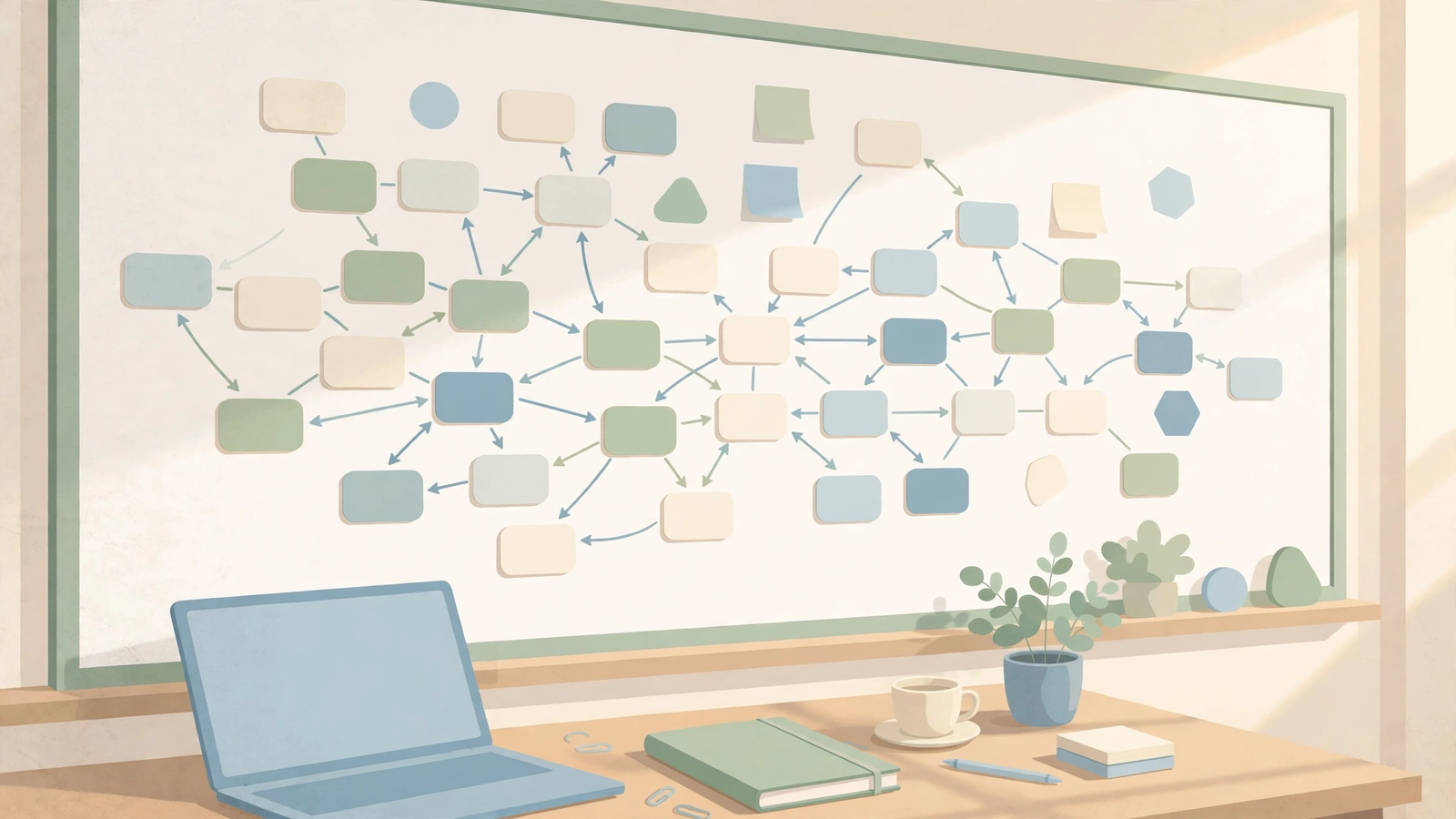
If your notes live in a folder, you know how this ends. You write something clever, file it under a name that made sense at the time, and never see it again. Months later, writing a thesis chapter, you realize you already figured out half of this once. It’s just buried.
I’ll be honest: that notes-folder graveyard is exactly why Heptabase caught my eye. It’s a visual knowledge base built around whiteboards instead of folders — notes become cards, you drag them onto a canvas, draw lines between them, and the connections you couldn’t see in a list suddenly stare back at you. It sounds lovely. It also costs real money from day one, with no free plan to hide behind. So I went through the official site, the live pricing page in Heptabase’s own help center (no guessing on prices here), and what researchers actually say about it — to work out whether this heptabase review 2026 ends in a recommendation or a warning.
Quick honesty note up front: I have not lived inside Heptabase for a semester. This is a well-researched review, not a hands-on diary: I verified every price below against Heptabase’s official help-center pricing page on October 29, 2026, and leaned on reviewer consensus for user-experience claims like mobile quality. Where I couldn’t verify something, I say so.
Quick Answer: Heptabase is a whiteboard-based visual knowledge base for people who understand things by laying them out in space — cards on infinite whiteboards, linked both ways, with AI that answers from your own sources. It starts at $11.99 per month ($107.88 billed yearly) after a 7-day trial, and there is no free plan. It’s best for students, researchers, and writers working through complex topics; a poor buy if you just want a cheap place for meeting notes.
What Does It Actually Do?
Most note apps ask you to think in a straight line: open a page, write top to bottom, file it in a folder. Heptabase asks you to think in a map instead. Everything you write becomes a card — one small note — living in a central library. You pull cards onto whiteboards and arrange them however your brain wants: clusters, timelines, mind maps, cause-and-effect chains.
Here’s the part that matters. The same card can appear on several whiteboards at once without being copied. Edit it in one place and it updates everywhere.
Whiteboards can nest and split into sections, so a huge topic breaks into a big-picture board with smaller boards per sub-question. Add bi-directional links, tags with properties for tables or Kanban boards, and a journal for daily notes, and you have a thinking workshop, not a filing cabinet. For research, import PDFs, highlight passages into linked cards, bring in YouTube videos with transcripts, and pull in highlights via Readwise and Zotero. The AI — a chat, a Tutor, and a newer Agent — answers questions about your own material, with citations.
Heptabase Review 2026: Key Features
Reusable cards on infinite whiteboards
A card is one idea, one quote, one finding. Whiteboards are just views of those cards arranged in space. Because the same card can sit on multiple boards, you can view one idea in your thesis argument and your exam revision without maintaining two versions. If you think spatially, this is how your brain already works.
Nested whiteboards, sections, and mind maps
Big topics don’t fit on one screen. Nest whiteboards inside each other, group cards into sections, and build mind maps on the canvas. Zoom out for the argument, zoom in for the evidence, without switching apps.
Bi-directional links and tags that act like a database
Mention one card inside another and Heptabase links them both ways, so you can trace an idea forward and backward. Tags go further than labels: give tags properties and view tagged cards as a table or Kanban board. That turns reading notes into something sortable — by author, method, or status — without a full database tool’s weight.
PDF highlights, YouTube transcripts, and research imports
For a literature review, this is where Heptabase stops being a pretty whiteboard and becomes a work tool. Import a PDF, highlight it, and turn highlights into linked cards. YouTube videos import with transcripts, so a lecture becomes quotable material. Readwise and Zotero imports mean existing highlights don’t have to be rebuilt by hand. I also reviewed SciSpace for paper-by-paper reading: SciSpace helps you understand one paper, Heptabase connects fifty of them.
AI chat, AI Tutor, and the AI Agent — with citations
Heptabase’s AI answers questions about your own notes and sources, pointing back to where each answer came from. That citation habit separates a useful research assistant from a confident guesser, and it’s the feature I’d test hardest in the trial. The Tutor offers structured learning paths, and the newer Agent can edit card content and organize board connections. But the AI runs on credits (see pricing), and heavy use pushes people to pricier plans.
Offline editing and sync across devices
Heptabase runs on Mac, Windows, Linux, web, iOS, and Android, with offline editing that syncs on reconnect. One straight warning, though: reviewers consistently describe mobile as weaker than desktop. The whiteboard is a big-screen activity — do your trial on desktop.
Pricing: Verified on the Official Page
I checked these prices on Heptabase’s official help-center pricing page on October 29, 2026 (last updated by Heptabase on October 12, 2026). All prices are in USD; yearly figures are the total billed per year, with the per-month equivalent in brackets. Older sites quoting $8.99 and $17.99 a month are giving yearly-billing equivalents, not monthly-billing prices.
- Pro — $11.99 per month, or $107.88 per year ($8.99 per month equivalent). 100 AI credits per month, Gemini-series models only. PDF parsing has no monthly file or page limit, but each PDF must be under 350MB and 3,000 pages, and Pro’s upload allowance is only described as “very high” — no exact number.
- Premium — $23.99 per month, or $215.88 per year ($17.99 per month equivalent). 1,800 AI credits per month, supported Gemini, OpenAI, and Anthropic models, and unlimited PDF uploads.
- Premium+ — $71.99 per month, or $647.88 per year ($53.99 per month equivalent). 8,100 AI credits per month, same features as Premium. You’re paying for credits here, not extra features.
- Free trial — 7 days, no free plan. The trial runs at Premium-level generosity whatever plan you pick: the same 1,800 credits as Premium, plus unlimited PDF uploads and parsing. Using up trial credits doesn’t end the trial early or start billing early; credits reset to your plan’s allowance when the subscription starts.
- Early bird Pro — $9.99 per month, or $83.88 per year. Listed for existing early-bird users, who keep it permanently. New signups should expect the standard Pro price.
Credit details worth knowing: unused credits don’t carry over. Credits cover the AI Agent, AI Tutor, video transcripts, the Insight generator, and voice notes — but PDF parsing doesn’t use credits. On Premium and Premium+, once credits run out, basic models can still read, search, and answer for free; creating or editing content then needs on-demand usage on. One thing I could not verify from the official pricing page: whether trial signup requires a payment card up front. Older third-party comments claim it once did, but that’s years old — check at signup, and set a day-six reminder either way.
Honest take: Pro at $11.99 a month is fair for the whiteboard, but 100 AI credits is thin if the AI is why you’re here. That’s the upsell path: light AI users will be fine on Pro, but daily AI Tutor or Agent users will feel the pull toward Premium at roughly double the price. The trial is generous in credits but short for a tool with this learning curve — block out a real weekend project. And yes, the backlog note is confirmed: there is no free tier at all.
Heptabase
Visual notes on infinite whiteboards — cards, links, and AI research help in one thinking space.
7-day free trial, then from $11.99/month. No free plan — try it on a real project before you pay.
Heptabase vs Notion vs Obsidian vs Scrintal
These four tools answer the same itch — “help me think” — in completely different ways. Heptabase prices are from the official page checked October 29, 2026; competitor prices are from independent checks published in October 2026, worth re-checking before you buy.
| Heptabase | Notion | Obsidian | Scrintal | |
|---|---|---|---|---|
| Best for | Visual thinkers mapping complex research | Teams and all-in-one workspaces | Personal knowledge bases you own outright | Visual brainstorming and mind mapping |
| Price | From $11.99/mo ($107.88/yr); 7-day trial, no free plan | Free plan; Plus $10 per user/mo billed yearly | Core app free for personal use; optional Sync from $4/user/mo billed yearly | Paid plan; current price not reliably verified — check Scrintal’s site |
| Key strengths | Reusable cards, nested whiteboards, PDF/YouTube research workflow, cited AI answers | Databases, team wikis, templates, huge ecosystem | Local Markdown files, speed, offline-first, massive plugin library | Infinite canvas, card-based notes, mind maps, presentation mode |
| Learning curve | Moderate to steep — the whiteboard way of working takes a week to click | Moderate — easy to start, easy to over-build | Moderate — simple at first, deep once plugins enter the picture | Gentle — the most immediately intuitive canvas of the four |
The honest summary: Notion wins if your notes are really a team workspace in disguise. Obsidian wins if owning your files as plain Markdown matters most, and if your budget is zero. Scrintal wins if you want the gentlest visual canvas without Heptabase’s research depth. Heptabase wins if — and only if — you think by arranging ideas in space and your material is complex enough to deserve a map. For academic writing help rather than mapping, I also reviewed Paperpal.
Pros and Cons
What I like:
- Cards reusable across boards without duplicating them — a real workflow advantage.
- A coherent research workflow: PDF highlights, YouTube transcripts, and Readwise/Zotero imports feed the same board.
- AI answers that cite your own sources instead of generic chat pasted over your notes.
- Nested whiteboards and sections that keep a huge topic navigable.
- A generous trial in credit terms — Premium-level credits and unlimited PDF parsing.
- Offline editing and sync across desktop, web, and mobile.
What I don’t like:
- No free plan at all. Every rival in the table except Scrintal offers a usable free tier; Heptabase asks you to pay after seven days.
- Pro’s 100 AI credits will feel thin fast if the AI features are what sold you — the real AI experience lives on Premium.
- Seven days is short for a tool with this learning curve.
- Mobile is consistently reported as weaker than desktop — a problem if you capture ideas on your phone.
- Unused AI credits don’t roll over, so a quiet month is money you don’t get back.
- Your notes live in Heptabase’s own system rather than plain files you can open anywhere, so think about your exit plan before building a huge library. I couldn’t verify a full export story from official sources for this review.
How to Start Researching with Heptabase
- Start the trial with a real project, not a toy. Pick one live piece of work — a thesis chapter, a literature review — and set a day-six reminder to decide before billing starts.
- Break your topic into cards, not pages. One idea, quote, or finding per card — small cards make the whiteboard useful.
- Build one whiteboard per question. Drag the relevant cards onto a board, group them into sections, and draw connections between cards that support or contradict each other.
- Import your sources next. Bring in key PDFs, highlight what matters, and turn highlights into linked cards. Add YouTube transcripts the same way.
- Ask the AI about your board, then check its citations. Use the chat or Tutor to summarize a cluster or find gaps — but follow citations back to source cards before trusting any answer in your writing.
- Nest as the project grows, and check credits before day seven. Turn an oversized section into its own nested whiteboard, and check Settings for how many AI credits your workflow burned — let that decide Pro vs. Premium.
FAQs
Is Heptabase really free?
No. Heptabase has no free plan. You get a 7-day trial with Premium-level AI credits and unlimited PDF uploads and parsing, then a paid plan from $11.99 per month ($107.88 per year). If a free tier is a deal-breaker, Obsidian or Notion will suit you better.
Is Heptabase good for thesis research?
It’s one of the better fits for thesis work, because a thesis is exactly the kind of sprawling, interconnected project that falls apart in folders. The card-and-whiteboard model maps your argument visually and keeps every claim linked to its source. For citation-heavy drafting, pair it with a dedicated writing tool — I also reviewed Jenni AI.
Does Heptabase have collaboration features?
Yes, it supports sharing boards and collaborating on research projects, with sync across web, desktop, and mobile. But this is a personal thinking tool with collaboration added, not a team workspace like Notion — if shared databases and team wikis are your main need, Notion is stronger.
Does Heptabase work offline?
Yes, it supports offline editing, with changes syncing on reconnect. The honest caveat is mobile: reviewers consistently rate it below desktop, so treat desktop as the reliable case and mobile as a companion.
Is Heptabase better than Obsidian?
It depends on how you think. If you arrange ideas spatially and want research imports, cited AI, and a guided whiteboard workflow out of the box, Heptabase is better. If you want free, local Markdown files you fully own and zero subscription pressure, Obsidian is better — and it’s free. The trial will tell you which thinker you are.
Final Verdict: My Heptabase Review 2026 Take
Who should use it: students, researchers, and writers working through complex topics who think in maps and diagrams, and who will actually use the PDF, highlight, and cited-AI workflow rather than just admiring the whiteboard. If that sounds like you, try the trial on a focused weekend; Pro is a fair starting point.
Who should skip it: anyone who wants a free note app, anyone capturing mostly on a phone, anyone needing a team workspace, and anyone wanting notes as plain files they fully control. Obsidian or Notion will make you happier, and cost nothing to start.
My bottom line on this heptabase review 2026: Heptabase is a genuinely thoughtful tool for a specific kind of thinker, and its research workflow — cards linked to sources, answers with citations — is the real thing, not a demo trick. But the pricing is honest about what it is: a paid tool with no free safety net and an AI upsell baked into the tiers. Take the trial, throw a real project at it, check your credits on day six, then decide.



