

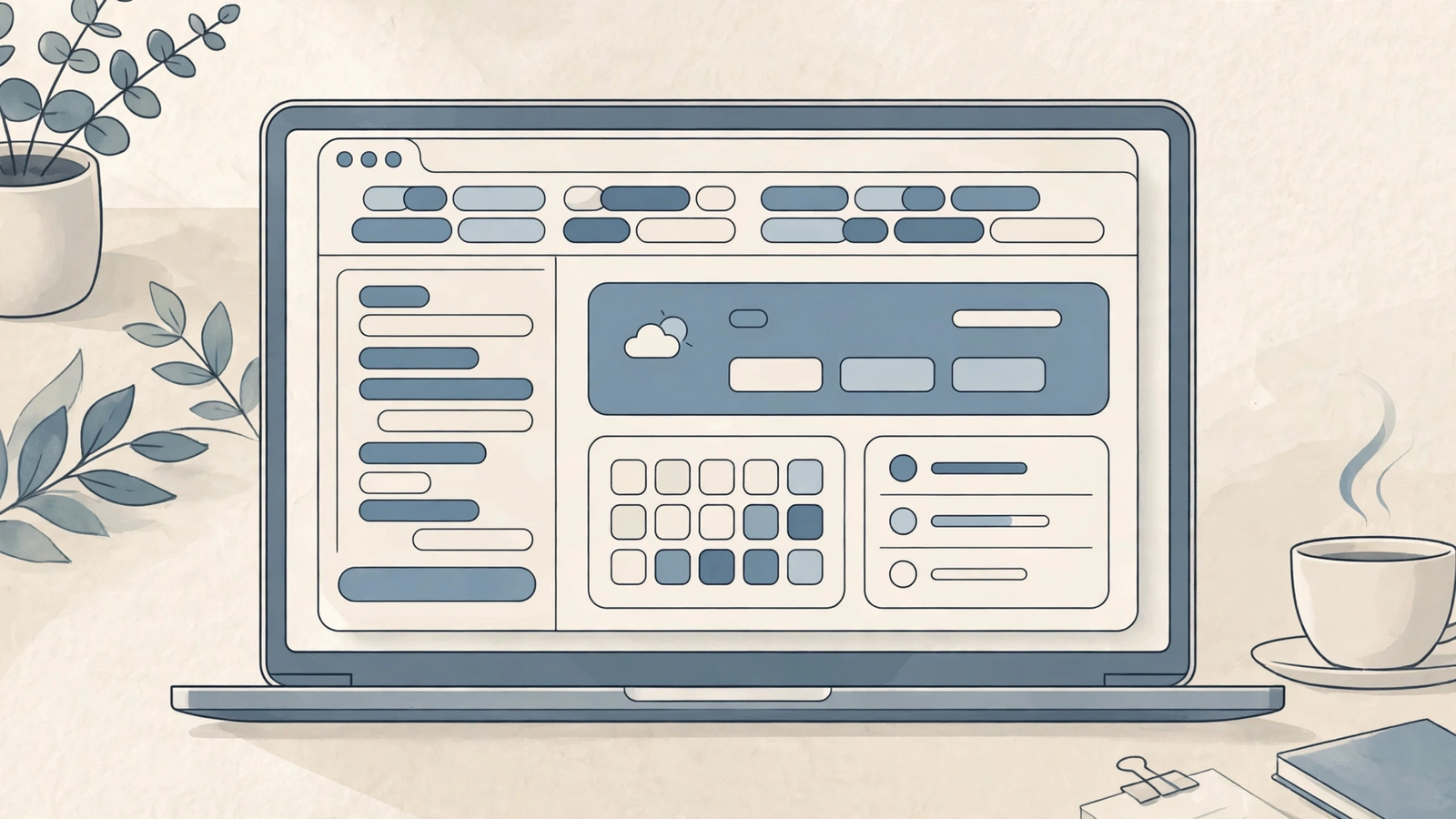
I’ll be honest: the tab bar is where my workday goes to die. Last Tuesday I counted 47 open tabs — three half-read articles, a pricing page I meant to compare, and a Google Doc I opened “for five minutes” sometime before lunch. If that sounds familiar, this dia review 2026 is for you.
Dia is the AI-native browser from The Browser Company, the team behind Arc, now part of Atlassian after a $610 million acquisition completed in October 2025. The pitch is simple: instead of bolting a chatbot onto a normal browser, Dia builds the chat into the browser itself, so it can see what you’re working on and help with it directly. I dug through the official site, the live pricing details, recent hands-on reviews, and what actual users are saying about reliability.
Quick honesty note up front: this is a researched review, not a hands-on test. I have not run Dia as my daily driver for a month. What follows is built from verified pricing and feature details, recent reviewer testing, and user reports — and where sources disagree, I’ll say so rather than smooth it over.
Quick Answer: Dia is a Chromium-based browser with an AI assistant that reads your open tabs and connected work apps, answers questions in context, and turns that context into briefs, reports, and meeting prep. The browser itself is free; AI access starts at a paid tier (see the pricing section for the one figure I could not fully pin down), and it is best for Mac and Windows users — especially former Arc fans — whose work is scattered across email, calendars, Slack, and docs, and who want an assistant that understands their open work rather than one that clicks around the web for them.
What Does It Actually Do?
Most browsers treat tabs as dumb pages. Dia treats them as context. Open a research article, a pricing page, and your notes doc, then ask Dia a question in the address bar — which doubles as the chat box — and it answers using what’s open, not just the public web.
In practice, that means three everyday jobs get shorter. First, understanding: ask “what does this article actually argue?” and get an answer grounded in the page in front of you. Second, drafting: ask it to turn a page, or several pages, into a summary, an email draft, or a first pass at a document. Third, catching up: the Morning Brief pulls together your calendar, inbox, and open links into a start-of-day summary, and meeting prep features gather the relevant threads before a call.
One important boundary: Dia is a chat-with-your-work browser, not an agent that drives the web for you. In head-to-head testing by one reviewer, Comet completed an Airbnb search by clicking through the site itself; given the same task, Dia wrote back a description of how to do the search. If you want a browser that books, buys, and fills forms on its own, Dia is not that browser.
Key Features
Tab-aware chat that knows what you’re reading
This is the feature everything else hangs on. Dia’s assistant, reached from the address bar, can answer questions about the page you’re on and, on paid plans, across multiple open tabs at once. One reviewer noted it handled plain-text extraction well but struggled to pull the underlying links from a Reddit thread — it reads the rendered page, not the page’s underlying code, so treat link-heavy extraction with a quick spot-check.
Writing and drafting help, in context
Because the assistant sees the page, its writing help is less generic than a blank chatbot box. Highlight a draft, ask for a tighter version, or ask it to draft a reply based on the email thread and the doc you have open. Page-aware suggestions are a small delight: instead of a blank box, Dia offers prompts that fit what you’re looking at. It won’t replace your judgment — one six-month user review scored output quality 6 out of 10 and said answers still needed checking — but it shortens the blank-page part of the job.
Morning Brief, reports, and meeting prep
On the top paid tier, Dia turns your scattered workday into documents. The Morning Brief summarizes what matters across your calendar and inbox before you start. Reports gather browsing and connected-tool context into a shareable document. Decks turn that same context into a slide-style summary.
Connections to the apps you already use
Dia connects to Gmail, Outlook, Google Calendar, Slack, Notion, GitHub, Figma, and Microsoft Teams, with sign-in through Atlassian’s identity system now that The Browser Company sits inside Atlassian. The point of these connections is that the assistant can answer questions that span tools — “what did the team decide about the launch date?” — rather than only what’s in one tab.
A minimal interface, inherited from Arc
Dia keeps Arc’s design DNA: profiles (Arc’s Spaces, renamed), tab groups (Arc’s Folders, renamed), split view for two pages side by side, picture-in-picture video, and a built-in ad and tracker blocker. Recent updates brought back Arc-style pinned tabs after users complained the new tab system was a step back. Chromium under the hood means your existing extensions carry over, which removes the biggest switching cost.
Dia Review 2026: Pricing
Prices below were checked against Dia’s published plans and multiple recent pricing roundups on 26 October 2026. One honest wrinkle: sources disagree on one figure, and I’m flagging it instead of picking the friendlier number.
- Better Browser — Free. The full browser: profiles, tab groups, split view, picture-in-picture, ad and tracker blocking, and sync. No AI features at all.
- Better Answers — $20/month. Everything in Better Browser, plus the AI assistant: page-level questions and chat with context from your tabs and connected tools. Note: one recent review of Dia’s own pricing page found the pricing card showing $10/month while a comparison list on the same page said $20/month, so treat the exact figure as worth confirming on the pricing page before you pay. Most independent roundups list $20/month.
- Better Days — $100/month. Everything in Better Answers, plus roughly 6x more AI usage (Dia measures usage in “tasks”), the daily Morning Brief, reports, decks, recaps, and meeting preparation and follow-up. New users get a 14-day trial of Better Days with no credit card required. If you burn through included usage, AI features pause until your next billing date unless you buy a $20 credit block.
Honest take: the free tier is genuinely usable, and that’s the right way to try Dia — live in the browser for a week before paying anything. Better Answers at $20 sits at the same price as most AI subscriptions, which is exactly the problem: if you already pay $20 for ChatGPT or Claude, Dia’s chat has to earn a second $20, and several users say it doesn’t yet. Better Days at $100 is a business expense, not a personal one, and only makes sense if those daily briefs and reports replace real hours of manual work.
Dia vs Comet vs ChatGPT Atlas
This comparison needs one update before anything else: ChatGPT Atlas, OpenAI’s standalone AI browser, was retired on 9 August 2026, with its browser capabilities folded into the ChatGPT desktop app and Chrome extension. It’s in the table because people still search for it — but as of today, it’s not something you can newly install.
| Dia | Perplexity Comet | ChatGPT Atlas | |
|---|---|---|---|
| Best for | Mac and Windows users whose work spans email, calendars, Slack, and docs | Research-heavy users who want an agent that can also act on web pages | Was best for ChatGPT subscribers wanting multi-step task automation; now discontinued |
| Price | Free browser; AI from ~$20/month; $100/month top tier | Free browser; Perplexity Pro $20/month; Max $200/month | Was free; agent features required a paid ChatGPT plan |
| Key strengths | Tab-aware chat, Morning Brief, work-app connections, calm minimal interface | Agentic browsing that clicks and fills forms, Perplexity search built in, widest platform support | Strong multi-step automation while it lasted; now lives on inside ChatGPT’s app and extension |
| Learning curve | Low — feels like a normal browser with a chat box in the address bar | Medium — the agent features take a few tries to trust and steer | Low to medium while active; moot now that it’s retired |
The short version: pick Dia if you want an assistant that understands your open work; pick Comet if you want a browser that also does things on the web for you; skip Atlas as a standalone install, because it no longer exists as one. I also reviewed Perplexity’s cited-answer approach in my Perplexity review — Comet inherits a lot of that research DNA.
Pros and Cons
What I like:
- Tab-aware answers that genuinely save the copy-paste round trip between a page and a chatbot.
- A free tier that is a real browser, not a demo — Arc’s organization features cost nothing.
- Morning Brief and meeting prep are aimed at an actual pain (the scattered workday), not a demo scenario.
- Chromium base, so extensions and familiar shortcuts carry over on day one.
- First-party Arc import: passwords, bookmarks, extensions, and history carry across before Arc shuts down on 22 December 2026.
What I don’t like:
- It does not act on the web for you — no autonomous booking, buying, or form-filling, while Comet does.
- Reliability complaints are real: one long-term user reported sign-up bugs that took weeks to clear, crashes and lock-ups, and a Morning Brief that only generated after they’d already been working a while. A six-month review scored reliability 5 out of 10.
- The $100 top tier is hard to justify for individuals, and the $10-versus-$20 discrepancy on the mid tier’s own pricing page is sloppy for a product asking for your trust.
- Former Arc users are split on the tab system — several call it a downgrade from Arc, even with pinned tabs returning.
- No Linux or mobile build, and Windows only arrived on 6 October 2026, so Windows users are still early adopters of a new port.
- Privacy needs active attention: Dia’s AI partners are barred from training on your data, but Dia itself uses some content data to improve its product by default, with an opt-out in settings.
How to Get Started with Dia
- Download Dia for Mac (Apple Silicon, macOS 14 or later) or Windows from the official Dia site, and sign in — Atlassian sign-in is now the default path.
- If you’re coming from Arc, choose Arc during sign-up import, or later from the app menu under Import — do this before Arc shuts down on 22 December 2026, and export an Arc backup first for safety.
- Start on the free Better Browser tier. Set up one profile for work and one for personal, and group your usual tabs instead of leaving them in a single pile.
- Connect only the work apps you actually use — Gmail, Calendar, Slack, Notion — and skip the rest until you know you need them.
- Try the address-bar chat on real work: ask it to summarize a long article, compare two open pricing pages, or draft a reply from an email thread.
- If you want the paid features, start the 14-day Better Days trial during a genuinely busy week, and check the Morning Brief and a report or two against your real workload.
- Before the trial ends, open Settings, Privacy, and decide on the product-improvement data opt-out — then decide whether the paid tier earned its price.
FAQs
Is Dia available on Windows?
Yes, now. Dia was Mac-only from its public launch in October 2025 until Windows version 1.0 shipped on 6 October 2026, with a 1.1 update days later fixing early rough edges. There is still no Linux or mobile version, so Windows and Mac are the only options today.
Is Dia really free?
The browser is free, but the AI is not. Better Browser costs nothing and includes the full browser with profiles, tab groups, and split view. AI features — tab-aware chat, connected-tool answers, Morning Brief, reports — require a paid plan starting at around $20 a month, with a 14-day trial of the top tier available.
Does Dia use my browsing data to train AI?
Dia says its named AI partners are contractually barred from retaining or training on your data. However, Dia itself uses some content data by default to improve its own product — not tied to your account, retained for 30 days — and you can turn this off in Settings under Privacy. Dia also states it is not HIPAA-compliant, so don’t use it for protected health information.
Is Dia better than Arc?
It depends what you loved about Arc. Dia keeps Arc’s organization ideas, adds AI chat and work-app context, and is where all future development is going — Arc shuts down on 22 December 2026, so staying on Arc isn’t a long-term option anyway. But if you loved Arc’s exact tab system, several former Arc users say Dia’s version still feels like a step back, even after pinned tabs returned.
Is Dia safe for work use?
Dia emphasizes architectural security controls, end-to-end encrypted sync, and SOC 2 Type II compliance, and no public exploit against it has been demonstrated. But like every AI browser, it carries prompt-injection risk — hidden instructions on a page or in an email could try to steer the assistant — and Dia itself says its defenses limit the damage rather than eliminating it. Keep sensitive pages out of AI chats and review anything it drafts before sending.
Final Verdict
This dia review 2026 comes down to one question: do you want an assistant that understands the work already open in front of you, or one that goes and does things on the web for you? Dia is firmly the first kind, and it’s good at it — the tab-aware chat, the calm interface, and the Morning Brief are a coherent answer to the 47-tab problem I opened with.
Who should use it: former Arc users (you have to move before December anyway), Mac and Windows knowledge workers whose days live across email, calendars, Slack, and docs, and anyone who wants AI help without handing a browser the keys to click around on their behalf.
Who should skip it: anyone who wants an agentic browser that books, buys, and fills forms (look at Comet instead), Linux or mobile-only users, and anyone who already pays for a chatbot and can’t justify a second $20 a month for a chat box inside their browser.
Bottom line: try the free tier for a week — it’s a good browser on its own — and only pay if the tab-aware chat and the trial week’s briefs save you real time. Dia is a thoughtful, still-maturing browser, not yet a must-switch. And if you do try it, set that privacy opt-out first: a browser that reads your work should be configured on your terms, not its defaults.



