


I’ll be honest — when I first heard about Vozo AI, I rolled my eyes a little. Every week there’s a new AI tool promising to work magic on video, and most of them are just… fine. But this vozo ai review isn’t based on the sales page. I ran my own videos through it: voice cloning, lip sync, multi-language dubbing, the works. Here’s what I actually think.
The short version? Vozo AI is one of the most complete AI dubbing platforms I’ve tried. The core tech — especially the voice cloning and lip sync — is genuinely impressive. It’s not perfect: the free trial is tiny, and the points system keeps you watching your balance. But if reaching a global audience matters to you, keep reading.
Vozo AI Review: Quick Answer
Vozo AI (vozo.ai) is an AI video translation and dubbing platform that rebuilds your video in 160+ languages using a clone of your own voice, with lip movements matched to the new audio — no re-recording needed. It lists 111 source languages and 165 target languages, and its contextual translation focuses on meaning rather than word-for-word swaps. Pricing starts with a free trial (20–30 AI points, about 7 days, no credit card), then $29/month for Creator or $99/month for Studio. My verdict: a strong pick if dubbing is central to your content; overkill if you only need subtitles.
What Does It Actually Do?
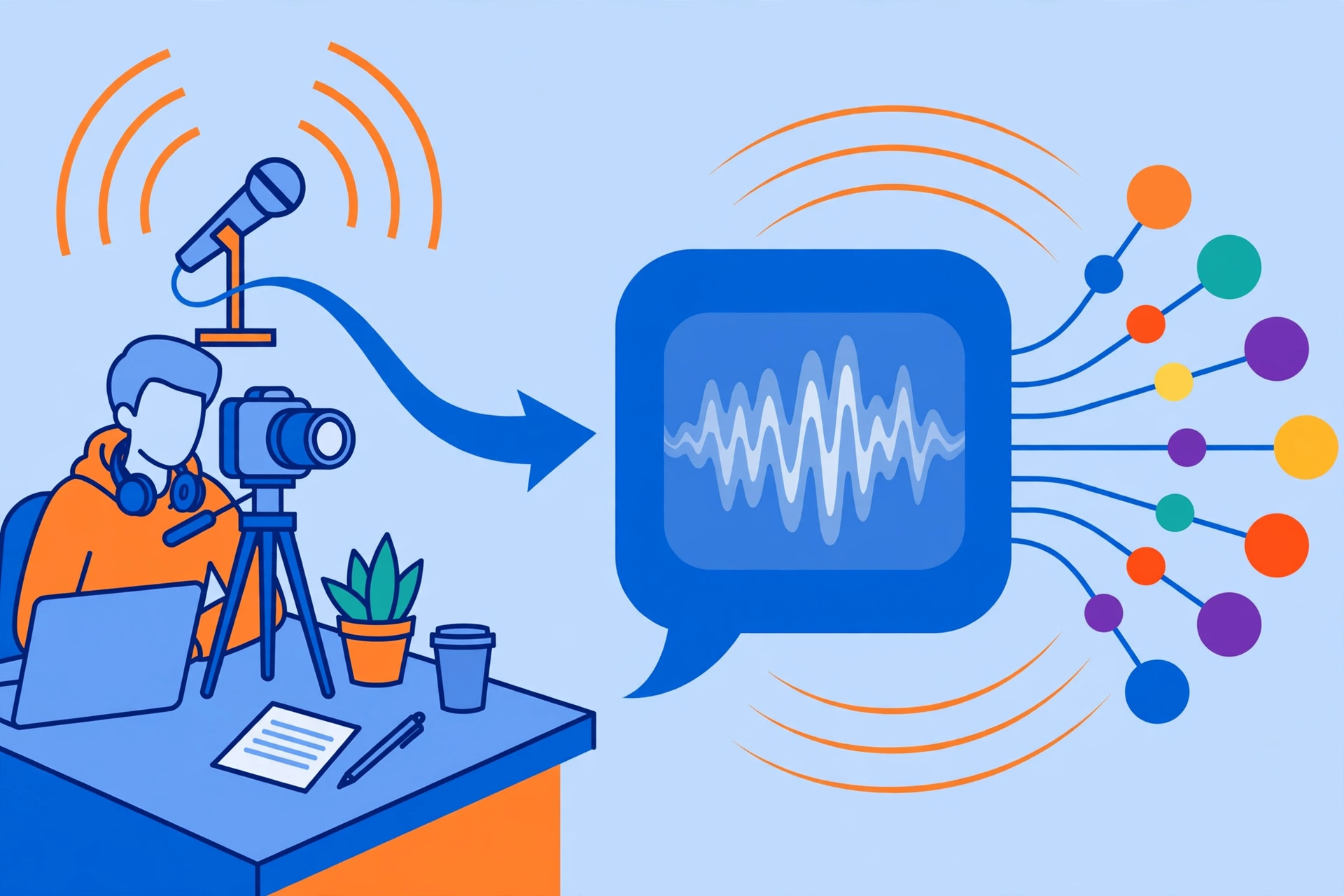
At its core, Vozo AI takes your video and rebuilds it in another language. Upload a talking-head video in English, pick Spanish, and you get back a version where “you” are speaking fluent Spanish — your voice, your tone, your mouth movements matched to the new audio.
The key differentiator is contextual translation. Cheap dubbing tools do literal, word-for-word translation that sounds robotic or culturally off. Vozo translates meaning and intent instead, which matters a lot for jokes, idioms, and persuasive copy.
The language coverage is huge: 111 source languages and 165 target languages — one of the widest matrices I’ve seen on any dubbing tool. And it’s not just a dubbing button. You get seven tools in one place (dubbing, translation, voice cloning, lip sync, on-screen text translation, a shorts generator, and talking photo), plus a mobile video and voice editor for quick edits.
Key Features
Here’s what actually comes in the box — and the parts that impressed me most.
VoiceREAL Voice Cloning (and VoiceNATIVE)
This is the headline act. VoiceREAL is Vozo’s cloning engine, reportedly trained on 200,000+ hours of human speech, and it preserves the speaker’s tone and emotion — not just the timbre of the voice. There’s also a VoiceNATIVE variant tuned for native-sounding delivery. My cloned voice sounded like me on a good microphone day, which is both cool and slightly unsettling.
LipREAL Lip Sync
Dubbed audio is useless if the mouth doesn’t match. LipREAL adjusts mouth movement to align with the translated audio, and it handles multiple speakers in the same video. Straightforward talking-head footage looks convincing; some user reviews note edge cases — fast head turns, profile shots, heavy motion — can still need refinement.
Visual Translate for On-Screen Text
This one is underrated. Visual Translate detects text burned into your video, erases it, and rebuilds it in the target language while preserving the original layout and animations. If your videos have titles, lower-thirds, or baked-in captions, this alone can save hours of editing work.
Proofreading Editor and Glossary Control
No AI translation is perfect, and Vozo knows it. The built-in proofreading editor lets you review and fix the translated script before finalizing, and the glossary and terminology control locks in brand terms, product names, and industry jargon so they’re handled consistently every time. For business content, this is a must-have.
Multi-Speaker Detection and Recognition
Interview or podcast with two people? Vozo detects multiple speakers and keeps their voices distinct in the dubbed version instead of mashing everything into one voice. Speaker recognition assigns the right cloned voice to the right person throughout the video.
Shorts Generator, Talking Photo, and Team Tools
The Shorts Generator repurposes long videos into captioned short-form clips — handy for turning one dubbing session into a week of TikToks and Reels. There’s also a Talking Photo feature that animates still images with speech, plus a mobile video and voice editor. For teams: shared workspaces, brand kits, bulk upload, and API access. On compliance, Vozo lists SOC 2 Type II and GDPR compliance, which matters for client and corporate work.
Pricing
Vozo runs on AI points. Here’s how the plans break down:
- Free trial: 20–30 AI points, expiring about 7 days after registration, no credit card required. Enough to evaluate the quality — not for regular use.
- Creator — $29/month: 150 AI points per month (roughly 50 AI dubbing minutes), all seven tools, watermark removal, and unlimited translation.
- Studio — $99/month: 600 AI points per month (roughly 200 dubbing minutes), 3 seats, 6 concurrent tasks, bulk upload, brand glossary, and priority support.
- Enterprise: custom pricing for larger teams and volumes.
- AI Point Packs are available if you burn through your monthly points and need overage.
Honest take
The points system is the thing to watch. On paper, $29/month for around 50 dubbing minutes is fair — genuinely competitive. But points-based metering means you’re always doing mental math about what each video costs, and heavy publishers will blow past the Creator plan fast. The free trial is generous in spirit (no credit card!) but 20–30 points over roughly 7 days is barely enough to properly test multi-language output. If you dub weekly, budget for Studio from the start.
Vozo AI
Dub your videos into 160+ languages with AI voice cloning and lip sync — no re-recording required.
Free trial available
Vozo AI vs HeyGen vs Rask AI
Vozo doesn’t exist in a vacuum. Here’s how it stacks up against the two names you’ll hear most often:
| Vozo AI | HeyGen | Rask AI | |
|---|---|---|---|
| Best for | Creators and teams focused on dubbing and on-screen text translation | Avatar-led and presenter-style videos | Straightforward AI dubbing and translation |
| Price | From $29/mo (free trial, no credit card) | Plans start higher | Similar price band |
| Key strengths | 165 target languages, Visual Translate on-screen text, VoiceREAL cloning | AI avatars and presenter videos; also does translation and dubbing | Purpose-built dubbing with voice cloning and lip sync |
| Learning curve | Easy — upload, pick languages, proofread | Easy, with more templates to learn | Easy, streamlined dubbing workflow |
Pros and Cons
What I like:
- Voice cloning that preserves tone and emotion, not just the sound of your voice
- Lip sync that works with multiple speakers in one video
- Visual Translate for on-screen text — a huge time-saver
- Proofreading editor plus glossary control for professional output
- 165 target languages — best-in-class coverage
- SOC 2 Type II and GDPR compliance for business use
- Free trial with no credit card required
What I don’t like:
- The free trial is short-lived (about 7 days) and tiny — barely enough to evaluate properly
- Lip sync still needs refinement in edge cases, per some reviews
- Points-based metering means you constantly watch your balance
- Heavy publishers will need the $99 Studio plan to get real work done
How to Get Started
- Sign up for the free trial at vozo.ai — you get 20–30 AI points and no credit card is required.
- Upload your video (bulk upload is available on the Studio plan).
- Choose your source and target languages from the 111 source and 165 target options.
- Let Vozo clone your voice with VoiceREAL, or pick a stock voice instead.
- Review the translation in the proofreading editor and lock brand terms into the glossary.
- Apply LipREAL lip sync, preview the result, and export your dubbed video.
FAQs
Is Vozo AI free?
There’s a free trial with 20–30 AI points that expires about 7 days after registration — no credit card required. It’s enough to evaluate the quality, but regular use requires a paid plan starting at $29/month.
How many languages does Vozo AI support?
Vozo lists 111 source languages and 165 target languages for translation and dubbing — one of the widest language sets of any AI dubbing tool.
Does Vozo AI clone my voice?
Yes. Its VoiceREAL engine clones your voice — reportedly trained on 200,000+ hours of human speech — preserving tone and emotion, with a VoiceNATIVE variant for native-sounding delivery. It also handles multiple speakers, keeping each voice distinct.
Does the lip sync actually look natural?
LipREAL aligns mouth movement to the translated audio and supports multiple speakers. It looks convincing on standard talking-head footage, though some reviews note edge cases like fast motion or profile angles can need refinement.
Is Vozo AI good for businesses?
It’s built with teams in mind: shared workspaces, brand kits, bulk upload, API access, a brand glossary, and SOC 2 Type II plus GDPR compliance. The Studio plan ($99/month) adds 3 seats and priority support.
Final Verdict
So, is Vozo AI worth it? If dubbing is a real part of your content strategy — you’re a YouTuber eyeing international audiences, a course creator selling globally, or a marketer localizing campaigns — yes. The voice cloning is excellent, the lip sync is convincing, and on-screen text translation is a genuine differentiator.
Who should skip it? If you only need subtitles, this is overkill — a subtitling tool will do. And if you publish a high volume of long videos, budget for the Studio plan from the start, because the Creator plan’s 150 points will go faster than you think.
Bottom line: Vozo AI is one of the strongest all-in-one dubbing platforms I’ve tested. The trial costs nothing but an email address, so there’s no reason not to hear what your content sounds like in another language. Try it at vozo.ai and judge the voice clone for yourself.