

I’ll be honest with you: I’ve got a graveyard of blog posts, PDFs, and half-finished guides that never became anything, because I couldn’t face recording audio. Setting up a mic, re-recording flubbed lines, editing out background noise — it was always more hassle than the idea was worth. So I went hunting for a shortcut, and this Wondercraft AI review is what came out of it.
I dug through everything Wondercraft AI promises — AI scriptwriting, voice cloning, translation, one-click podcast distribution — and checked what it actually delivers. Here’s the full, unfiltered breakdown.
Quick Answer
Wondercraft AI is the easiest way to turn articles, PDFs, and ideas into polished multi-voice podcasts without recording a thing. It’s best for creators, marketers, and trainers repurposing written content. The Free plan works fine for tests, and Creator at $25/mo suits weekly publishers.
What Does It Actually Do?
Wondercraft AI (wondercraft.ai) takes your written material — a blog post, a PDF, a raw idea, even just a URL — and turns it into a finished-sounding podcast. Its “Wonda” assistant drafts a conversational script, you choose from hyper-realistic AI voices or clone your own, and the drag-and-drop Studio timeline lets you control pacing, captions, music, and branding. Per its official site, more than 250,000 creatives and teams use the platform.
The pitch is simple: if you can write it (or paste it), Wondercraft can make it sound like it was produced in a studio. It’s not just nicer text-to-speech — it’s an end-to-end workflow from idea to published episode.
Key Features
1. AI Script Generation (“Wonda” Assistant)
Every episode starts with words, and Wondercraft doesn’t make you write them. Wonda generates a podcast-ready script from a raw idea, pasted text, a PDF, a document, or a URL — structured like an actual show, with intros, transitions, and conversational flow. You can edit every line before anything gets voiced, and I’d recommend it; I wouldn’t ship an AI’s first draft unedited. But as a starting point, it genuinely saves hours.
2. Hyper-Realistic Stock Voice Library
If you’d rather not use your own voice, the stock library is where you’ll live. Wondercraft offers AI voices with hyper-realistic tones and accents, so a business show and a storytelling series can sound completely different. The real selling point is multi-voice episodes: assign different voices to hosts and guests, and repurposed blog content suddenly feels like an actual conversation instead of one robot reading at you.
3. Clone Your Own Voice
For creators who want a consistent personal brand, you can clone your own voice and have it narrate scripts you’d never have time to record. This is the feature that sold me on the concept — your newsletter, read in your voice, while you sleep. One ethical note worth repeating: only clone your own voice, or voices you have explicit permission to use.
4. AI Video Generation and Avatars
Wondercraft has clearly expanded beyond audio. The platform includes multi-model AI video generation and AI avatars that pair with cloned voices, so a podcast episode can also become a talking-head-style video for YouTube or social. If you’re strictly an audio person, this is breadth you may never touch — but if you repurpose content everywhere, it’s a genuine bonus rather than a bolted-on gimmick. If short-form video is your main channel, our Fliki review covers turning scripts into videos without recording.
5. Drag-and-Drop Studio Timeline Editor
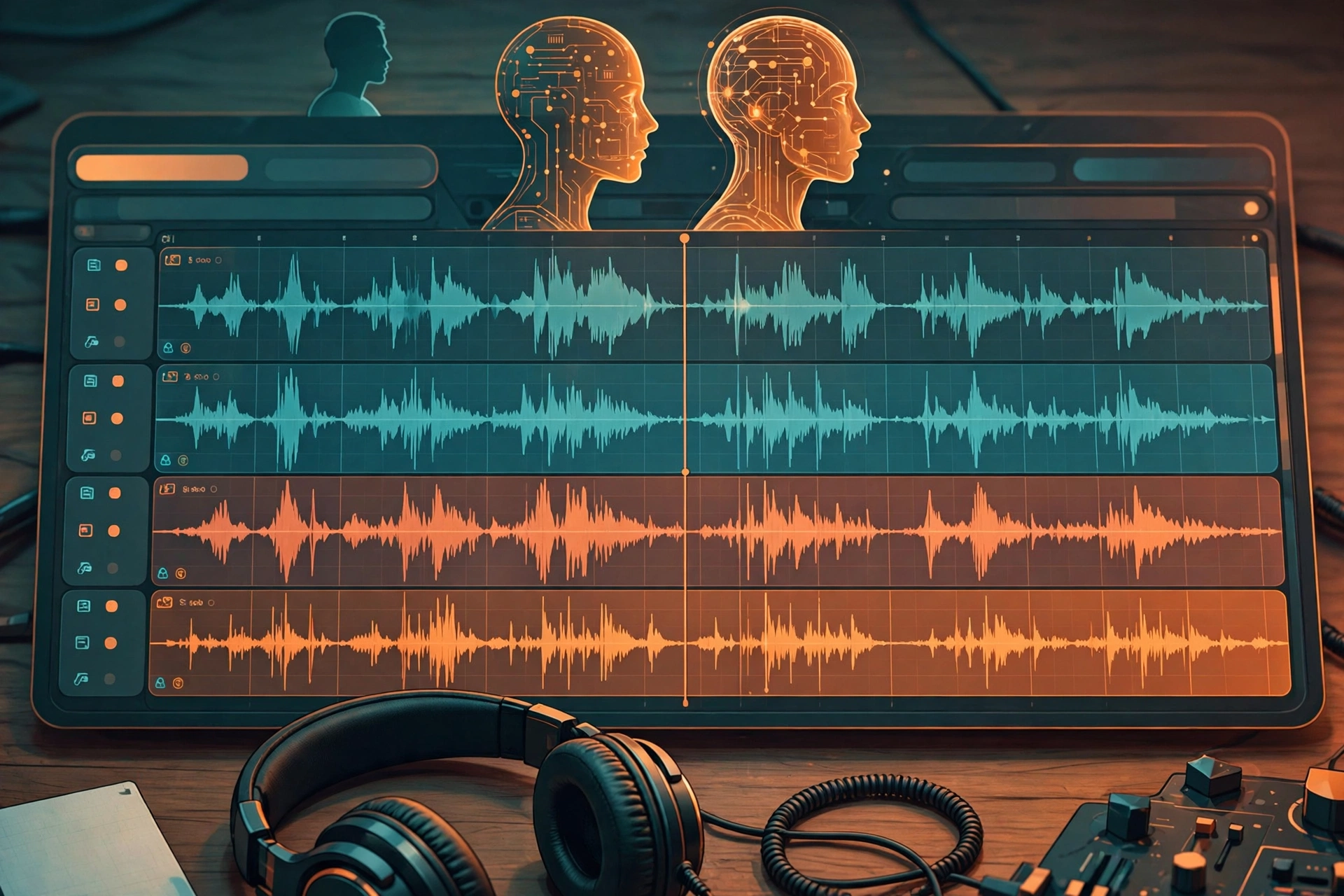
This is where episodes stop sounding robotic. The Studio timeline works like a simplified video editor: control pacing, add captions, drop in royalty-free music and sound effects from the built-in library, and apply your branding. Small timing tweaks — a pause before a punchline, music swelling under an intro — are what separate forgettable AI audio from something people actually finish listening to.
6. Certified Translation Into 50+ Languages
This one is underrated. Wondercraft offers in-app certified translation into more than 50 languages, backed by an in-house team of over 200 translators. One English episode becomes a genuinely international catalog without re-recording anything. For trainers and marketers with global audiences, this feature alone could justify the subscription. For dubbing existing video rather than audio, see our Vozo AI review.
Pricing
Wondercraft uses credit-based pricing, billed annually:
- Free — $0: 150 credits, 720p export, watermarked. Enough to test the concept.
- Creator — $25/mo: 1,000 credits, premium models, 1 custom AI character, no watermark, full commercial rights, API access.
- Pro — $45/mo: 2,000–6,000 credits, team collaboration for up to 3 users, unlimited custom AI characters, advanced editing, up to 4K upscaling.
- Enterprise — custom: SLA, DPA, indemnity, dedicated account manager.
Honest take: Creator at $25/mo is defensible if you publish weekly — but go in with open eyes about credits. There’s no published credit-to-minute conversion, so budgeting is fuzzy; expect roughly 10–20 finished minutes per month on Creator for typical projects. The Free tier is genuinely enough to validate the concept before spending anything. I’d skip the $45/mo Pro plan unless you specifically need team collaboration or 4K video.
Wondercraft AI
Turn articles, PDFs, and ideas into polished multi-voice podcasts — no microphone required.
Free plan available
Wondercraft AI vs Jellypod vs PodcastorAI
Wondercraft isn’t the only AI podcast tool around. Here’s how it stacks up:
| Wondercraft AI | Jellypod | PodcastorAI | |
|---|---|---|---|
| Best for | Creators, marketers, and trainers repurposing written content into audio (and video) | Podcasters who want a purpose-built AI studio with managed hosting | Budget-conscious creators making audio or video podcasts |
| Price | Free to $45/mo (billed annually) | Starter ~$33/mo | Audio Creator ~$9.90/mo; Video Starter ~$26/mo |
| Key strengths | Voice cloning, 50+ language translation, multi-model video and avatars, one-click distribution | Managed hosting, per-creator website, automatic Spotify/Apple/YouTube distribution | Cheapest entry point, both audio and video podcast generation |
| Learning curve | Low — paste content, pick voices, export | Low — purpose-built podcast workflow | Low — straightforward generator |
Pros and Cons
What I like:
- The fastest path I’ve found from written content to a listenable multi-voice podcast.
- Voice cloning keeps your personal brand consistent without recording.
- Translation into 50+ languages opens up audiences most indie podcasters never reach.
- One-click export and distribution to Spotify, Apple Podcasts, RSS, and WAV.
- The Free plan is genuinely useful for testing — not a crippled demo.
What I don’t like:
- Credit-based pricing with no public credit-to-minute rate card makes budgeting fuzzy.
- No persistent managed podcast feed or website — Jellypod covers that better.
- The product has pivoted toward video, so podcast-only users pay for breadth they may not use.
How to Get Started
- Sign up for the free plan. 150 credits is enough to produce a real test episode.
- Drop in your source material. Paste an article, upload a PDF, or just type a raw idea.
- Let Wonda draft the script, then edit it until it sounds like you.
- Pick voices or clone your own — assign different voices for a multi-host feel.
- Polish it in the Studio timeline: adjust pacing, add music, captions, and branding.
- Export and distribute — one click to Spotify, Apple Podcasts, RSS, or a WAV download.
FAQs
Is Wondercraft AI really free?
Yes — the Free plan costs $0 and includes 150 credits, 720p export, and a watermark. It’s limited, but it’s genuinely enough to test the full workflow and decide whether the concept works for your content before paying anything.
Do I need a microphone or any recording experience?
No — that’s the whole point. Everything is generated from your text: the script, the voices, the music. You never record, and you don’t need audio editing skills either.
How many episodes can I make per month on the Creator plan?
It depends, because pricing is credit-based and there’s no published credit-to-minute conversion. As a rough guide, expect around 10–20 finished minutes per month on Creator ($25/mo, 1,000 credits) for typical projects. If you publish longer weekly episodes, keep an eye on credit usage.
Can I use my own voice in my podcast?
Yes. Wondercraft lets you clone your own voice, and the Creator plan includes 1 custom AI character (Pro allows unlimited). You can even pair your cloned voice with an AI avatar for video versions of your episodes.
Will it publish my podcast to Spotify and Apple Podcasts?
Wondercraft offers one-click distribution and export to Spotify, Apple Podcasts, RSS feeds, and WAV downloads. One caveat: it doesn’t include a persistent managed podcast feed or website the way Jellypod does, so plan your hosting setup accordingly.
Final Verdict: An Honest Wondercraft AI Review
Here’s where I land: if you’re sitting on written content — blog posts, newsletters, training docs, PDFs — and you want it in listeners’ ears without ever recording, Wondercraft AI is the most complete tool I’ve found for the job. Script generation, voice quality, cloning, and translation work together as one workflow instead of five disconnected apps.
You should use it if you’re a creator, marketer, or trainer repurposing written content, you publish weekly and $25/mo fits the budget, or you want multilingual versions of your show without re-recording.
You should skip it if you want a managed podcast feed and website (look at Jellypod), you need clear per-minute pricing, or you’re strictly audio-only and don’t want to pay for video features you’ll never touch.
For most people, the smart move is to start free and upgrade only when credits run out. If that sounds like you, you can try Wondercraft AI’s free plan and have your first episode done today. If your starting point is recorded audio rather than written text, our Castmagic review covers turning one recording into a full content package.



