


If you’re the person stuck making training videos, you already know the drill: write the script, find a presenter, film it, edit it, then re-record the whole thing when compliance tweaks a single paragraph. I kept seeing Colossyan mentioned in L&D circles as the shortcut around all of that, so I dug into it properly for this colossyan review 2026.
Quick honesty note up front: I didn’t personally sit inside Colossyan rendering videos for this review. This is a well-researched breakdown — I went through the official site, the documentation, the pricing page, and what actual L&D teams and reviewers report. Consider it the homework, done for you.
Quick Answer: Colossyan turns training scripts into polished AI videos — 300+ avatars with realistic lip-sync, 120+ languages with matching lip-sync, and SCORM export for LMS platforms like Workday and Cornerstone. The Professional plan runs $59/month billed annually. It’s best for L&D teams and corporate trainers who need consistent, on-brand training content without cameras or actors.
What Does It Actually Do?
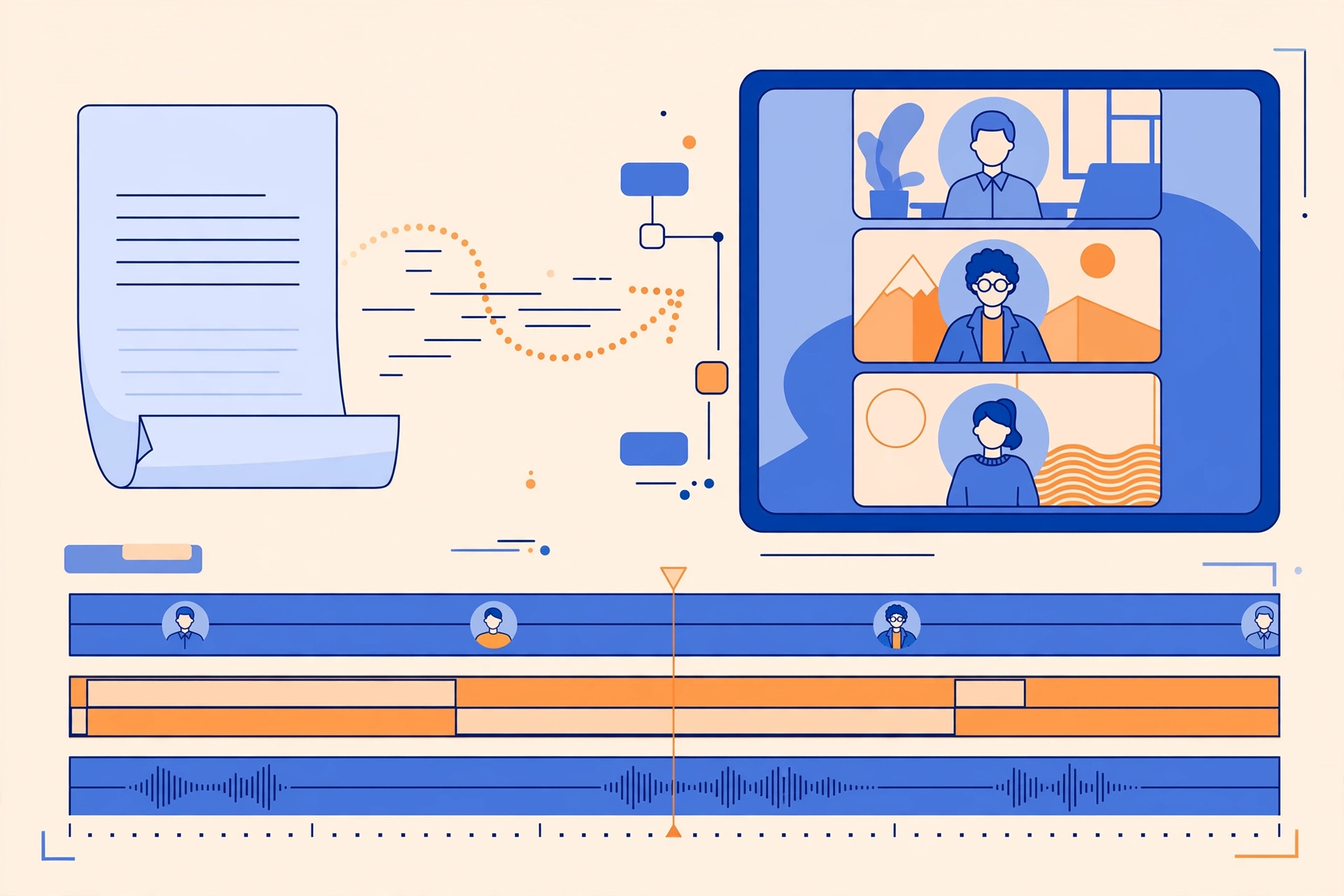
At its core, Colossyan is an AI video platform built specifically for learning and development teams. You paste in a training script — or upload an existing PowerPoint or PDF — pick an AI avatar, and out comes a presenter-led video. No studio, no filming days, no chasing down a subject-matter expert who’s willing to be on camera.
What separates it from generic AI video tools is how training-specific everything is. You can place up to 4 avatars in a single scene, which makes conversation-style and role-play training feel natural. Narration, on-screen text, and interactive elements all localize together across 120+ languages — and the lip-sync actually matches every language, not just English. When the video’s done, you export it as a SCORM package straight into your LMS.
There’s also Cora, Colossyan’s AI agent, which turns documents and slide decks into full avatar-led courses. Per the official site, that 40-slide onboarding deck gathering dust on a shared drive can become a structured video course without rebuilding it slide by slide.
If you’re shopping around, I’ve also reviewed other AI video tools on this site — my Fliki review and Predis AI review cover different takes on turning scripts into video.
Colossyan Review 2026: Key Features
300+ AI Avatars with Realistic Lip-Sync
Colossyan’s library holds 300+ stock AI avatars, and the lip-sync is the thing reviewers keep calling out — it looks natural instead of that slightly-off puppet effect you see in cheaper tools. Instant custom avatars are included in any active plan, so you can create a digital version of a real team member for internal training. Want the full studio-quality custom avatar? That’s a $1,000/year add-on.
120+ Languages with True Localization
This is the feature L&D teams seem to love most. Colossyan supports 120+ languages, and everything — narration, on-screen text, interactive elements — localizes together, with lip-sync in every language. Per the official site, you don’t get that awkward dubbed feeling where the mouth clearly doesn’t match the words. For global companies training teams across regions, that’s a massive time saver compared to re-recording in each language.
Script-to-Video and PPT/PDF-to-Video Conversion
Paste a script, get a video. Upload a PowerPoint or PDF, get a video. It’s about as frictionless as it sounds — and it matters, because most corporate training content already exists as documents. Nobody wants to rebuild their compliance deck from scratch inside a new tool.
Cora AI Agent Turns Docs into Full Courses
Cora is Colossyan’s AI agent that takes your documents and slide decks and builds them into complete avatar-led courses. Based on the company’s description, it structures the content, drafts the narration flow, and assigns avatars — you review and refine instead of starting from a blank timeline. For teams sitting on mountains of existing training material, that’s the killer feature.
Branching Scenarios, Quizzes & SCORM Export
This is where Colossyan earns its “built for training” badge. You can build branching interactive scenarios and quizzes — the decision-tree exercises corporate training lives on. Then it all exports as SCORM: 5 packages per month on the Professional plan, unlimited on Enterprise, compatible with SCORM 1.2 and 2004 across LMS platforms like Workday, Cornerstone, Docebo, Litmos, and Absorb.
Brand Kits, Screen Recorder & Enterprise-Grade Security
The practical stuff is covered too: brand kits keep every video on-brand, the screen recorder handles software walkthroughs, and you get AI image generation plus API access for bigger setups. On the security side — a big deal for enterprise buyers — Colossyan is SOC 2 Type II certified and GDPR compliant, supports SAML SSO and EU/US data residency, and states plainly that it does not train AI models on customer content.
Pricing
Here’s what the official pricing page showed when I checked on September 30, 2026:
- Free Starter — $0. For individuals exploring AI video. You get basic avatars and voices, but videos carry a watermark — think of it as a try-before-you-buy tier, not something you’d ship to learners.
- Professional — $59/month billed annually. The real starting point for teams: NEO2 minutes, 5 SCORM exports per month, AI image generation, and up to 3 editors.
- Enterprise — custom pricing. Unlimited minutes, unlimited SCORM exports, SSO, data residency options, and a dedicated customer success manager.
A few add-ons and fine print worth knowing: a studio custom avatar runs $1,000/year, and you can buy add-on minute packs — 600 extra NEO2 minutes for $1,500/year on yearly plans. Importantly, unused minutes do not roll over, so size your plan honestly.
Honest take: $59/month is pricey if you’re an individual creator just experimenting — the plans clearly target teams with training budgets. The free plan is genuinely useful for testing the waters, but the watermark and basic avatars mean you won’t ship anything learner-facing on it. And minute-based pricing deserves a careful look: if you’re building a high-volume training catalog, costs can climb fast, especially with no rollover. Price it against what a single filmed training video costs you today and the math usually still favors Colossyan for teams — just go in with eyes open.
Colossyan
Turn training scripts into polished AI videos — no cameras, no actors.
Free Starter plan available
Colossyan vs Synthesia vs HeyGen
Colossyan doesn’t exist in a vacuum. Here’s how it stacks up against the two names you’ll see mentioned alongside it most often:
| Colossyan | Synthesia | HeyGen | |
|---|---|---|---|
| Best for | L&D teams and corporate trainers | General-purpose AI video for businesses | Marketing and social content creators |
| Price | Free plan; Professional $59/mo billed annually; Enterprise custom | Free plan; creator plans from $29/mo | Free plan; from $29/mo |
| Key strengths | SCORM export, 120+ languages with lip-sync, branching scenarios & quizzes, Cora AI course builder | Large avatar library, templates, broad business use cases | Strong avatar quality, great for marketing/social, fast streamlined workflow |
| Learning curve | Easy — template-driven, built for training teams | Easy — beginner-friendly editor | Very easy — streamlined for quick videos |
Pros and Cons
Every tool has trade-offs. Here’s my honest list after digging through everything:
What I like:
- Purpose-built for L&D — SCORM export and LMS compatibility (Workday, Cornerstone, Docebo, Litmos, Absorb) instead of generic video output
- 120+ languages with matching lip-sync — a genuine superpower for global teams
- Up to 4 avatars per scene for realistic conversation and role-play training
- Branching scenarios and quizzes for truly interactive training, not just talking heads
- Cora AI agent converts existing docs and decks into full courses
- Serious enterprise security: SOC 2 Type II, GDPR, SAML SSO, EU/US data residency — and no training AI models on your content
What I don’t like:
- $59/month is pricey for individuals — the plans clearly target teams
- The free plan is very limited: watermarked videos, basic avatars
- Unused minutes don’t roll over
- Minute-based pricing can get expensive for high-volume training catalogs
- It’s focused on corporate training, so casual creators may find Synthesia or HeyGen a better fit
How to Make a Training Video with Colossyan
Based on the official docs, here’s the typical workflow from signup to finished training video:
- Sign up for the Free Starter plan to explore the platform — no commitment needed to see how it works.
- Start from a script, or upload an existing PowerPoint or PDF you want to convert.
- Pick your avatar from the 300+ library (or create an instant custom avatar on a paid plan) and choose from 120+ languages.
- Let Cora, the AI agent, structure your content into a full course — or build scenes manually, with up to 4 avatars per scene for conversations.
- Add branching scenarios and quizzes if you’re building interactive training.
- Apply your brand kit, preview the video, and tweak the script or visuals.
- Export as a SCORM package and upload it straight to your LMS — Workday, Cornerstone, Docebo, Litmos, Absorb, or any SCORM 1.2/2004 platform.
FAQs
Is Colossyan free?
There’s a Free Starter plan for individuals exploring AI video — basic avatars and voices, with a watermark on exports. For real training output, the Professional plan is $59/month billed annually.
Does Colossyan integrate with my LMS?
Yes. Colossyan exports SCORM packages compatible with SCORM 1.2 and 2004, and lists compatibility with Workday, Cornerstone, Docebo, Litmos, and Absorb. The Professional plan includes 5 SCORM exports per month; Enterprise is unlimited.
How many languages does Colossyan support?
120+. Narration, on-screen text, and interactive elements localize together, with lip-sync in every language — so per the official site, there’s no awkward dubbing mismatch.
Can I create a custom avatar of myself?
Yes — instant custom avatars are included in any active plan. A higher-fidelity studio custom avatar is available as a $1,000/year add-on.
Is Colossyan better than Synthesia?
It depends on your use case. From everything I found for this colossyan review 2026, Colossyan is the stronger pick for corporate training teams thanks to SCORM export, branching scenarios, and quizzes. Synthesia is the more general-purpose platform, and HeyGen leans toward marketing and social content — casual creators may prefer either of those.
Final Verdict
So who is Colossyan actually for? If you’re on an L&D team or you’re a corporate trainer drowning in slide decks that need to become watchable training, Colossyan is one of the most purpose-built options I’ve researched this year. The SCORM export, multilingual lip-sync, and interactive scenarios solve real corporate training problems — not hypothetical ones.
Who should skip it? Solo creators and marketers on a budget. At $59/month with minute-based pricing, it’s priced for teams, and the whole product is tuned for training — not YouTube or TikTok. For those use cases, Synthesia or HeyGen will likely feel like a better fit.
Bottom line: for its target audience, Colossyan earns its price tag. If that sounds like you, try Colossyan free and see what it does with one of your own training scripts.



